There are many actions you can take on behalf of your customers.
You can find customers by visiting your Customer Activity page and then searching the customer's name or email address. Click the customer's name after searching for them and you'll land on their Customer Profile.
Here are all our available Customer ACTIONS...
If you need to update your customer's name, email address, or password, we give you the ability to do that.

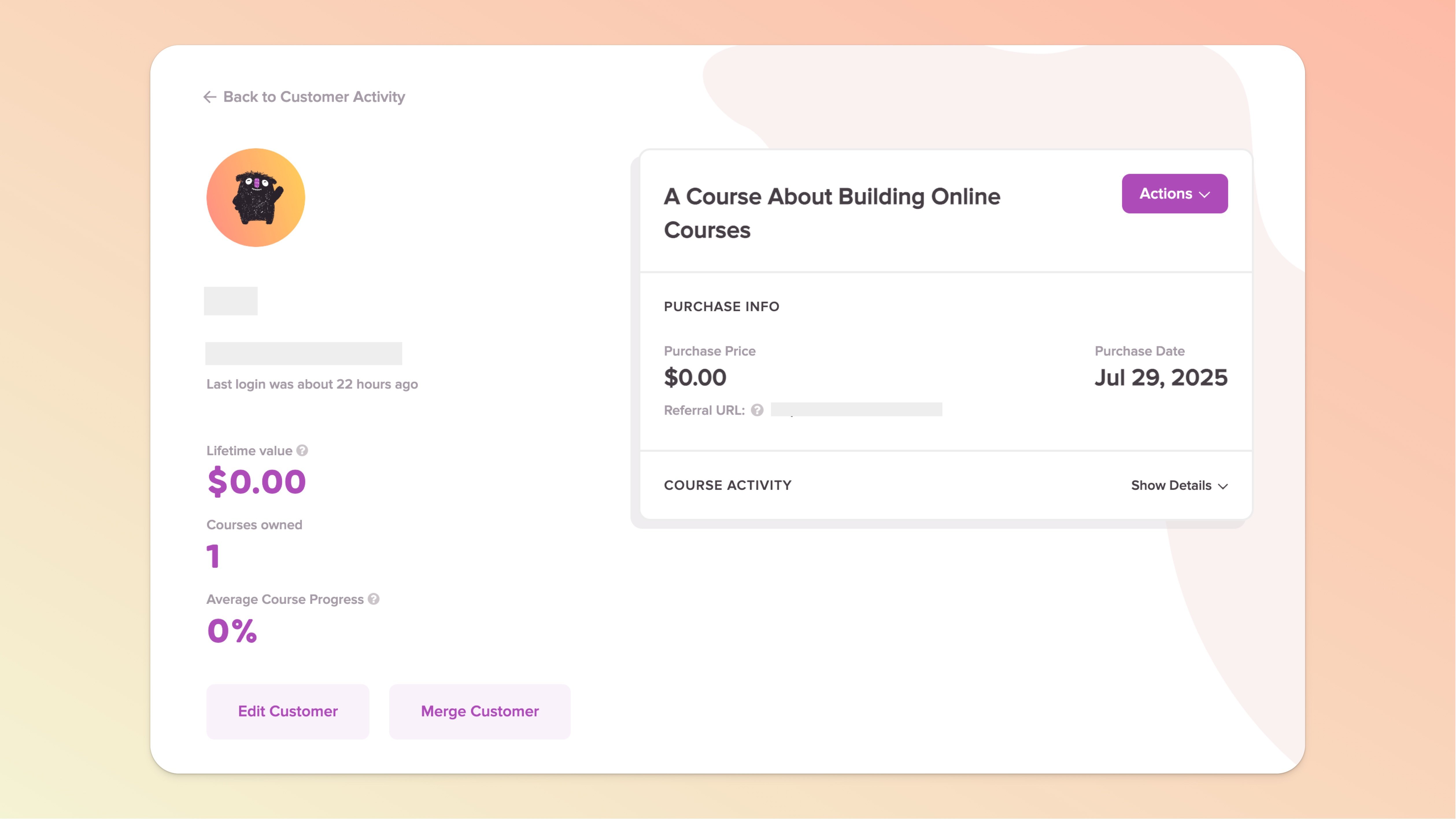
This will resend the initial Welcome Email upon course purchase. You probably already customized this email inside your course editor in the "Course Emails" section of the left sidebar.

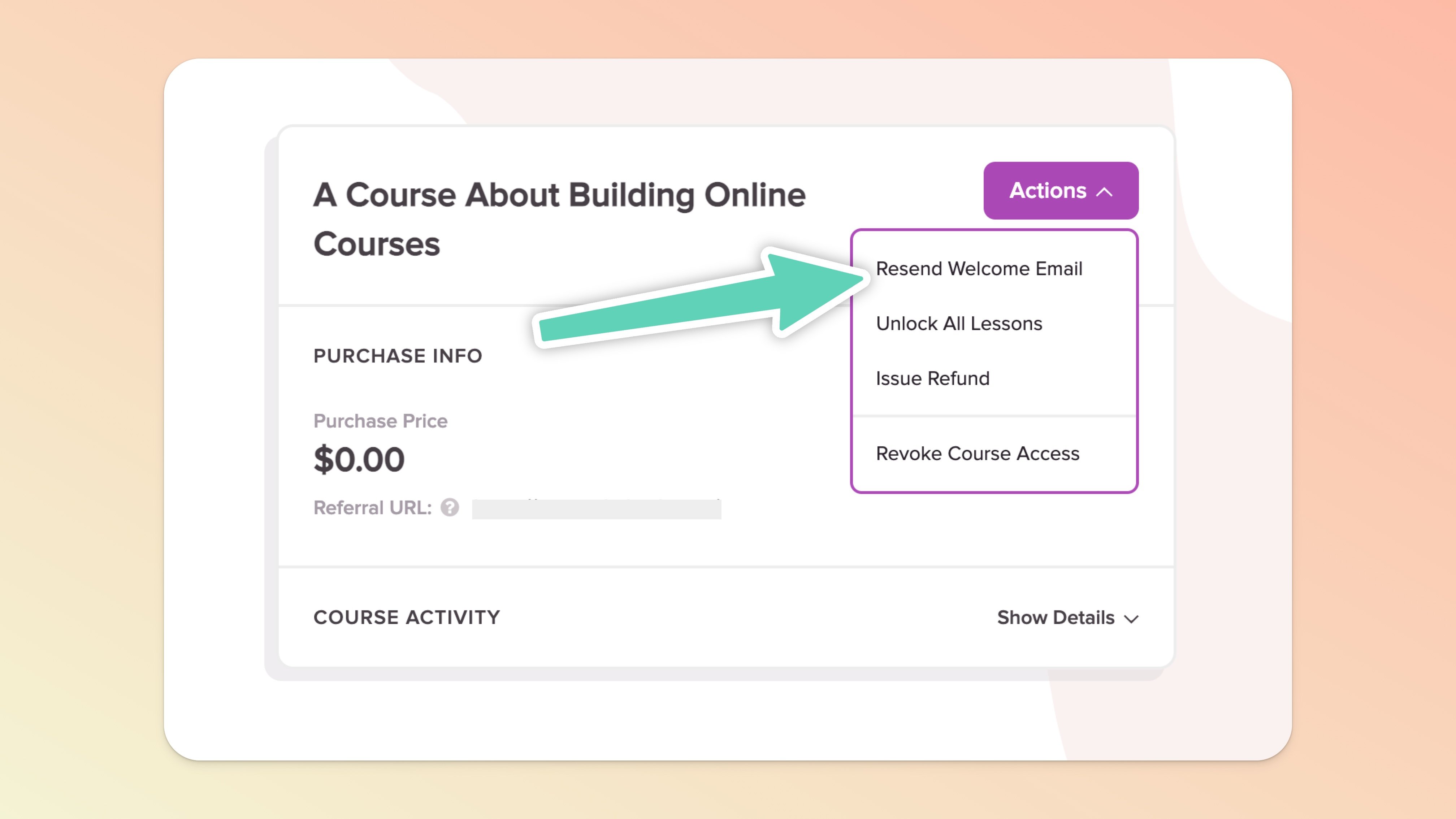
By clicking this option in a customer profile you will be fully removing a their access to your course.
This will NOT refund any existing payments and will NOT cancel any recurring payment subscriptions your customer might have.
This CAN be undone by clicking Grant Access (which appears only after you Revoke Access).
Should the user attempt to access the course, they will hit an error-type page that states their access has been revoked and they will be prompted to reach out to you (the course creator) if they believe it to be an error. The user will no longer be included in the user count that displays beneath your course thumbnail on your Teach page (but will be visible in your .CSV export of users with a Revoked status).
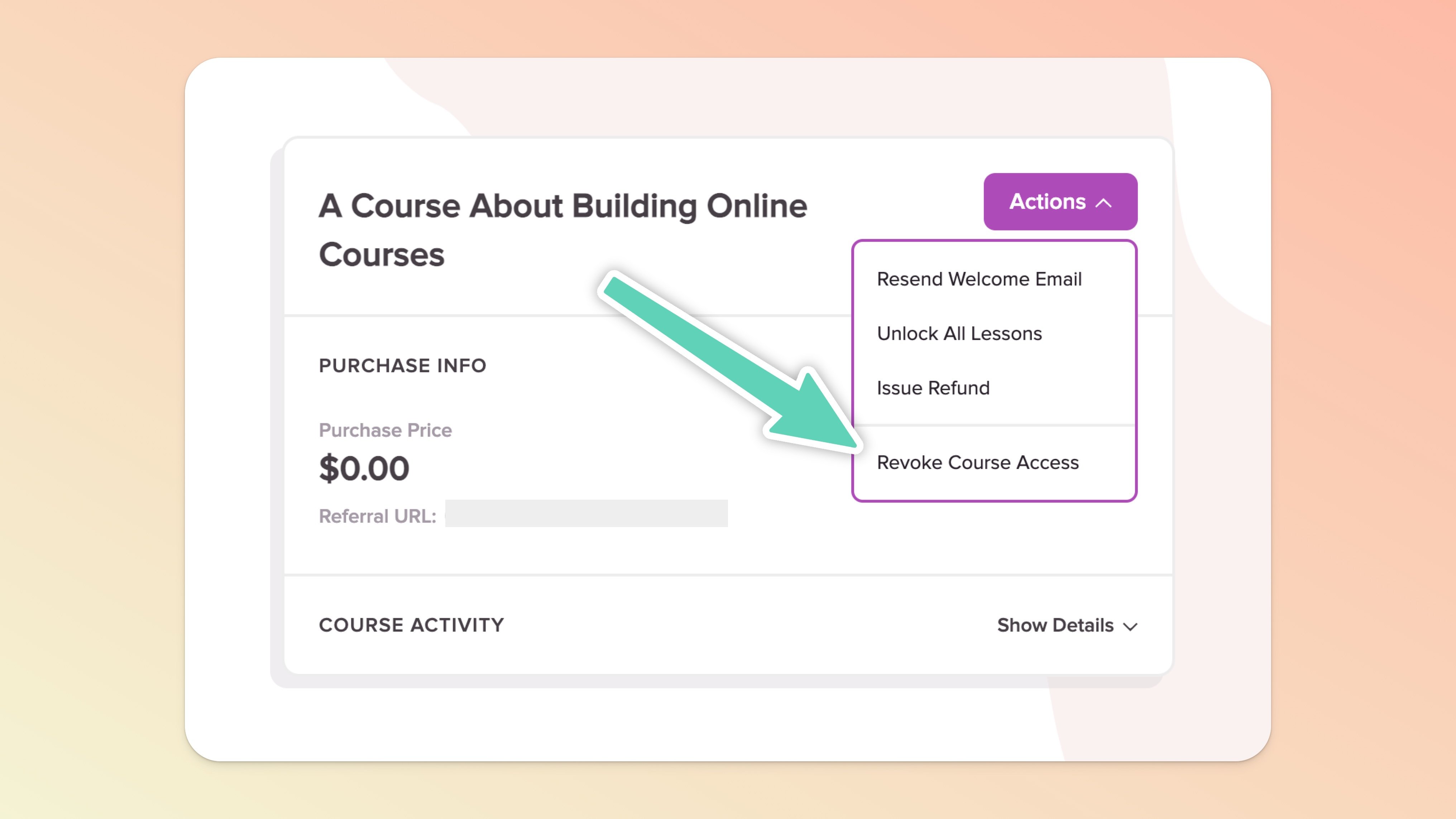
You can edit/remove a user’s course expiration date directly in the user’s unique Customer Profile page.

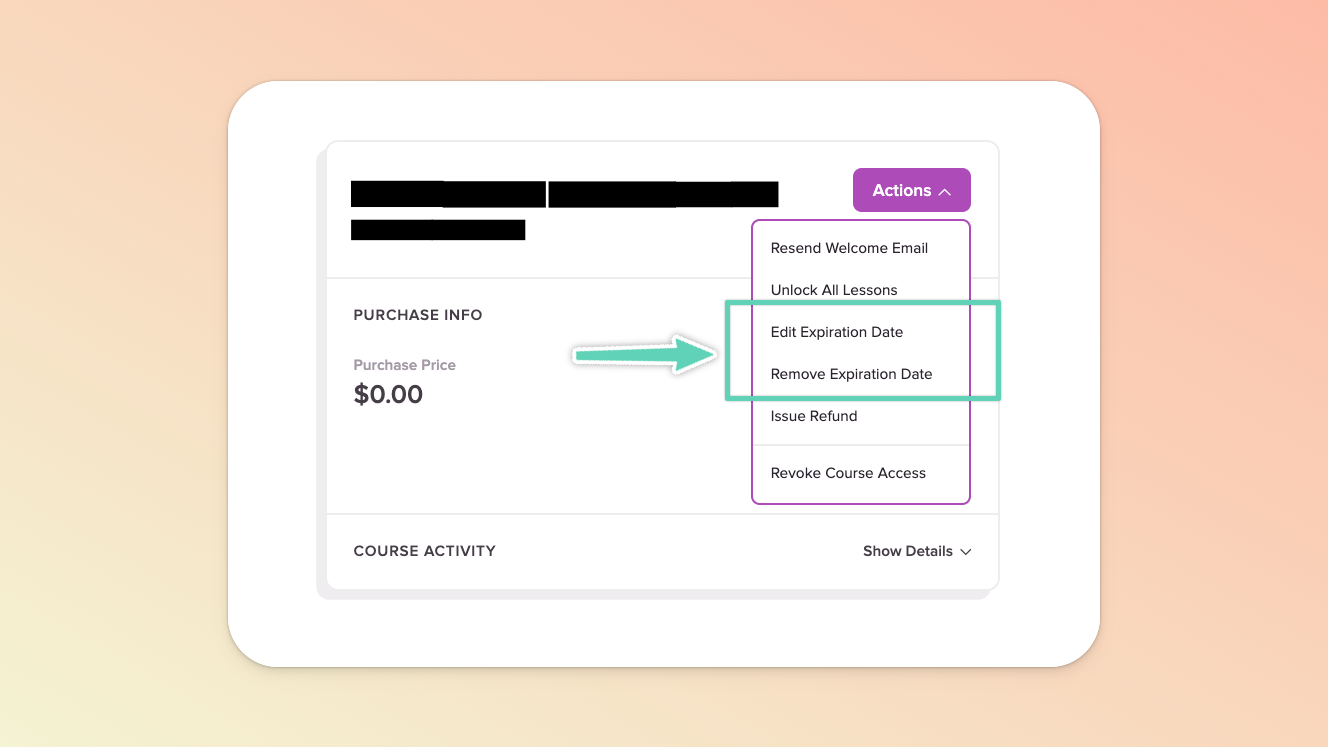
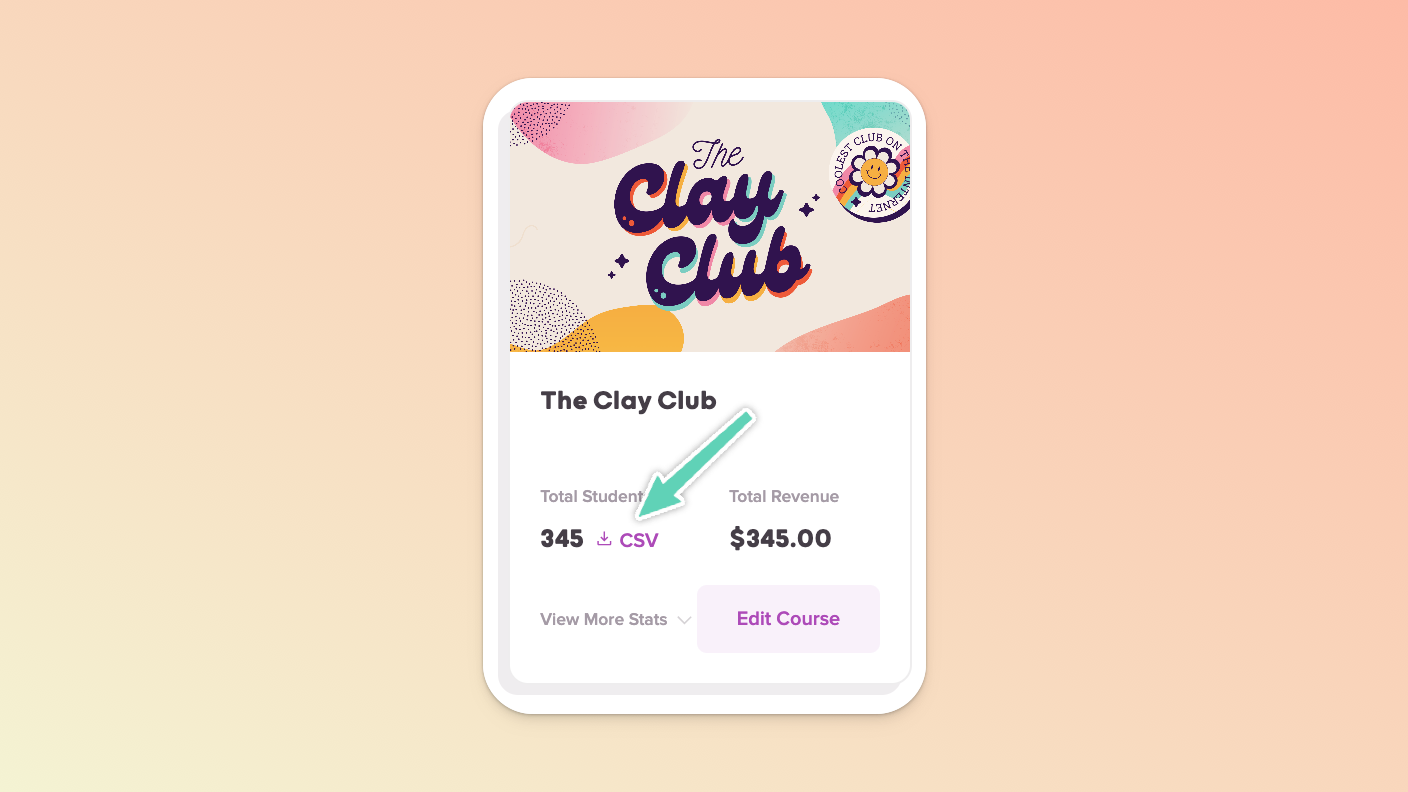
We recommend first downloading a list of customer data as it stands now, in case you ever need to refer back to a user’s original expiration date. You can do this from your Teach page by selecting the CSV link for the relevant course.
You can refund a single payment OR you'll see individual payments for recurring payment purchases. Refunds can be done in full or a partial amount.
You can refund any payments and refunding will NOT result in revoking access to your course.
If a customer has purchased your course via a recurring payment page and you want to stop any future payments, use the Cancel Subscription link available in your customer’s profile.
This will NOT refund your customer and will NOT revoke access: Their recurring payments will simply come to an end. To also fully revoke access, please see the relevant section above.
If you're looking for the URL to give your customers so that they can self-cancel their recurring subscription, you can find it in the Course Links page within the course editor (top of the left sidebar menu). This method will immediately revoke their access too.
If a customer needs to have their subscription payment extended out into the future, you can do that using our Pause Subscription button (in the Customer Profile).
You can read more on pausing subscriptions here.
We do not allow you to delete or edit your customers at this time. Should you need to do so, please contact us.
Many commonly needed URLs to help your customers can be found in the Course Links page within your course. This handy-dandy page can be found by:
Click into any Course or Theme from the main Courses & Themes dashboard
Look in the left sidebar for Course Links (click into it!)
Boom, you found the Course Links page! 👍👍
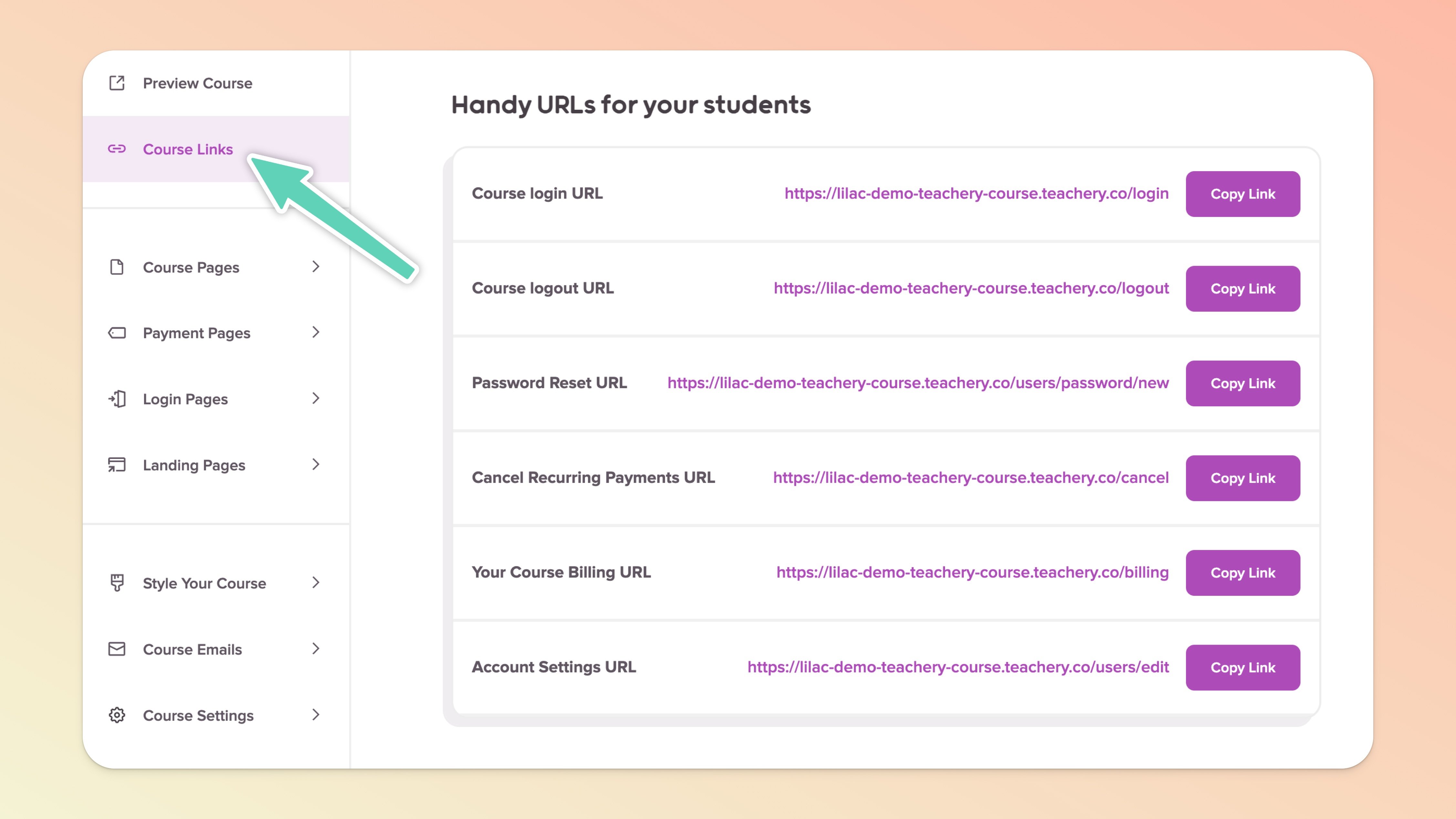
If your customer can't find the password reset page, you'll find the link in Course Links. If they've tried to reset their password and had trouble, it can usually boil down to one thing: Password reset links are only valid for 24 hours.
You can read our separate help doc on resetting your customer's password.
Hopefully, this one is self-explanatory now that you know where the Course Links page is. Copy the login URL and give it to your customer.
You can read our separate help doc on helping your customer's login.
This one is really easy! Just grab your course's login URL, but change the login to billing on the end of the URL. Here's an example:
Login URL: yourawesomecourse.teachery.co/login
Billing URL: yourawesomecourse.teachery.co/billing
Hope that helps you address any customer issues you may be having! If you are still having issues, feel free to reach out to us to lend a hand 👋.
