One of the fundamental parts of any course platform is understanding how "access" works. Much like how you have to have an account (with a login and password) to access Teachery, your customer needs something similar to access your course.
Before we talk about the two ways through which you can give your customers or students access, it’s important to understand that, in Teachery, courses are essentially all published by default and the only additional “publishing” action you need to take is ensuring that all the individual lessons are published (they start out in draft mode).
But no one can access that content until you give them a way in (one of the two ways discussed below). The only exception is when you choose to make your course public (but they are set to be private by default).
There is no way to disable a course or archive a course, you can simply expire your payment pages and either revoke every existing customer’s access and/or draft all lessons (if, for example, you want to update your course material).
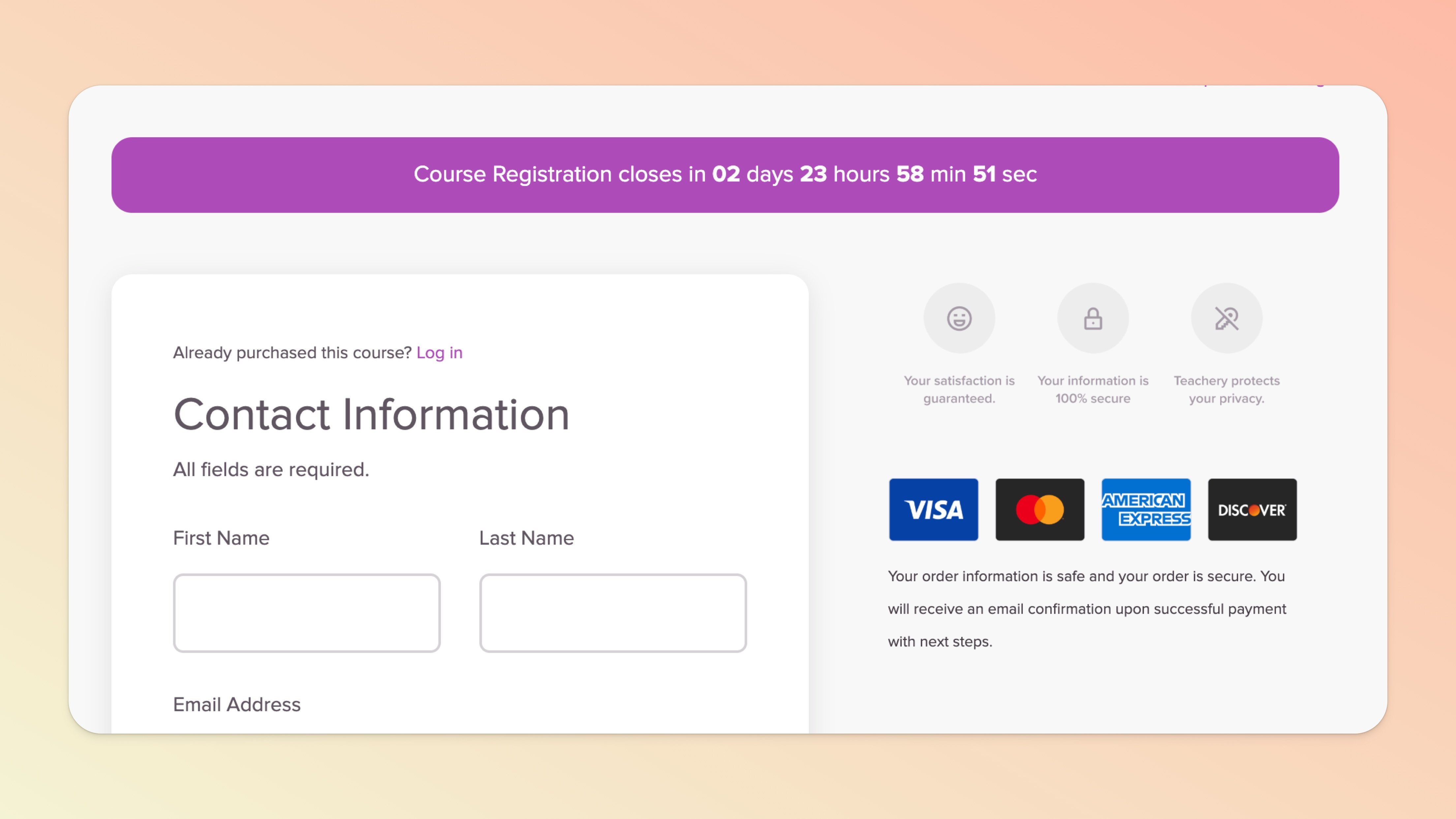
We have an entire series of help docs dedicated to Creating and Editing a Payment Page. Through the payment page method, your customer will register for your course and will receive immediate access to your course.
They will also receive your course’s welcome email (assuming you haven’t disabled it). This email includes their purchase information and a “smart” login and/or download link (depending on the course/product) which ensures a smoother onboarding. Learn more here.
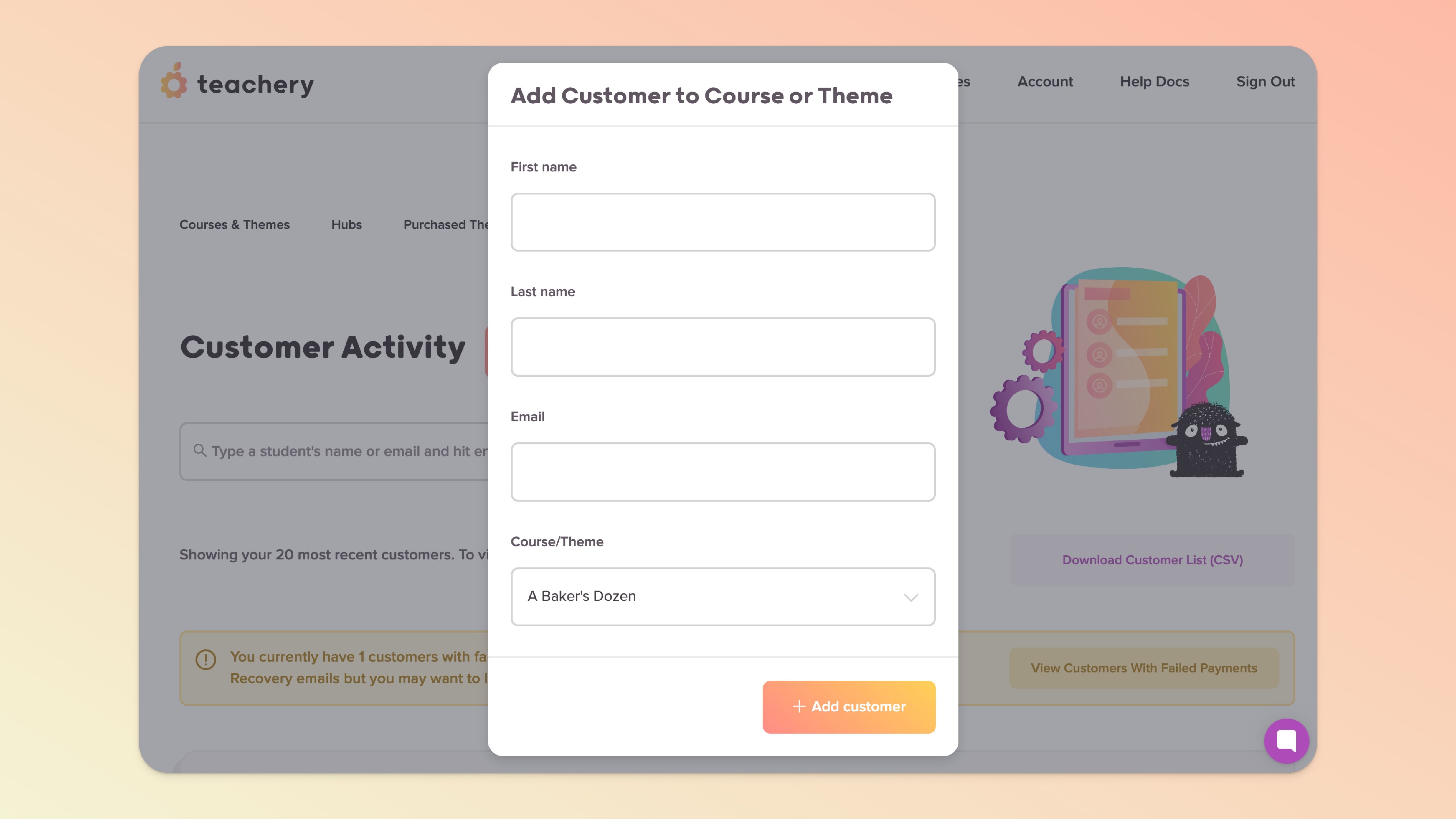
Depending on the number of customers, you can manually add them yourself or request we bulk import them for you.
Alternatively, you can use the payment page method above and give customers 100%-off promo codes and allow them to enrol themselves in their own time. This is a good use case for creators who are migrating over from other platforms.
💬 If, at this point, you hit any hurdles/doubts and can’t find the answers elsewhere in our help center, please use the support chat bubble* in the bottom right of your screen. Make sure to include course/product info, customer info, helpful screenshots, or anything else that may be relevant to your query.
* Support hours are 09:00 to 17:00 GMT.
