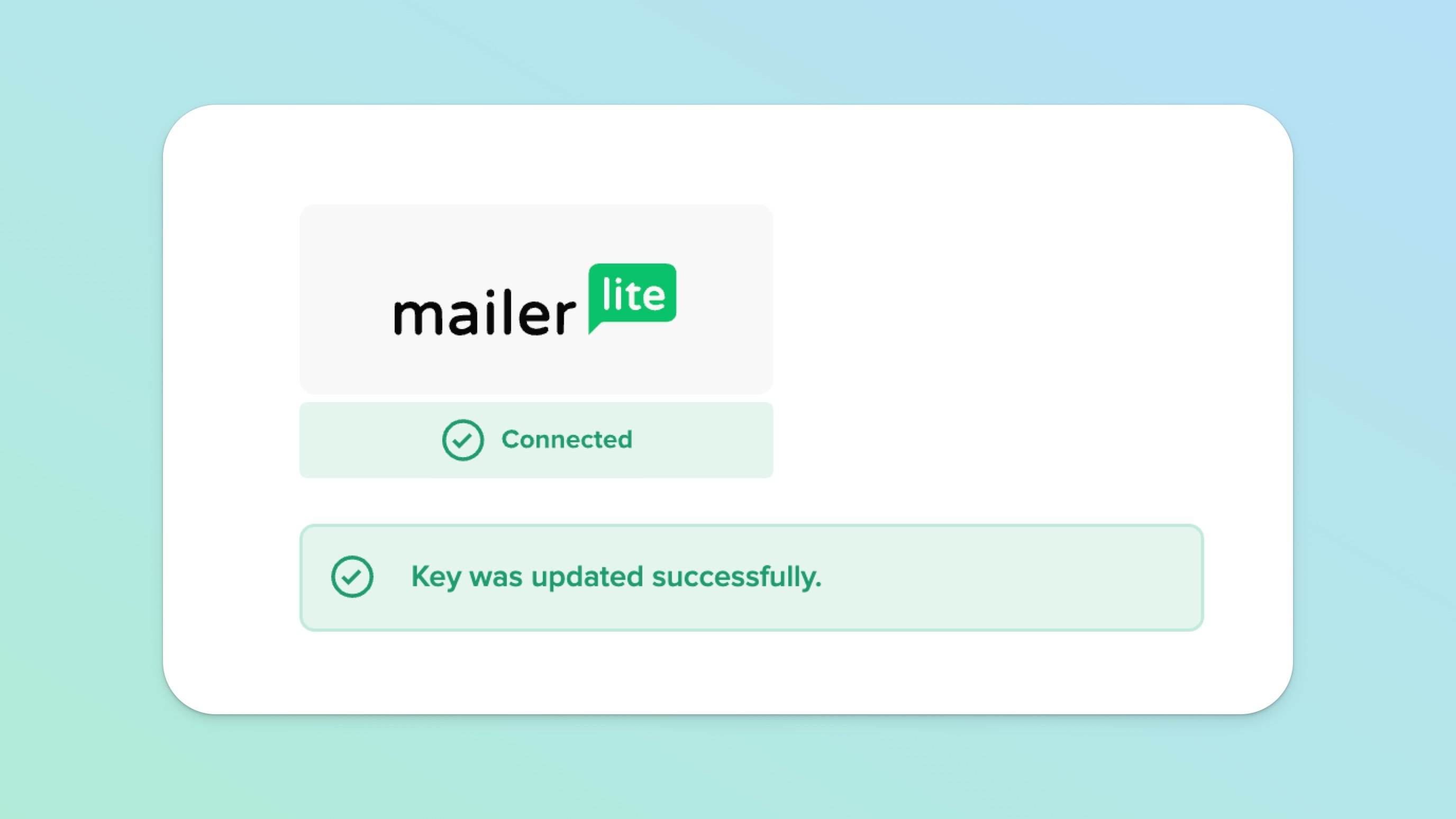
MailerLite is a great, free (up to 1,000 subscribers) email service and here at Teachery, we're happy to have a direct integration with them!
Use our link to get a $20 credit for new MailerLite customers.

It couldn't be easier to connect your account!
Click Account in the top navigation of Teachery
Click the Integrations link option
Scroll down to find the MailerLite area
Enter your MailerLite API Key and click Save
You're integrated! ✅
Every Payment or Landing Page lets you choose which MailerLite Form AND/OR Tag (a.k.a Groups on MailerLite) you want to send data through to.
You can select ONE Form per Payment or Landing Page, but you can add as many Tags as you like (and create new ones directly through our integration!)

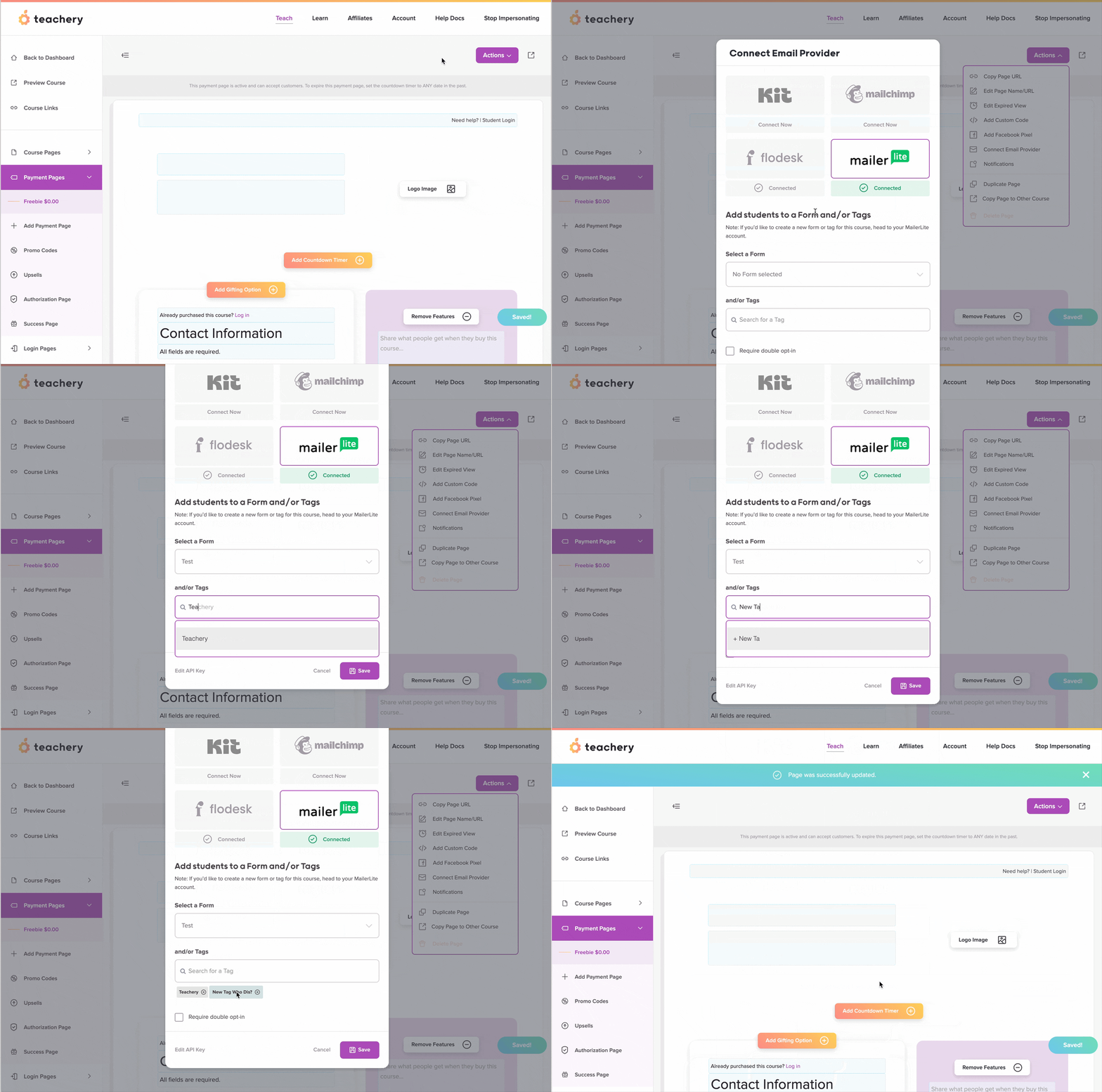


Once you’ve activated double opt-in within MailerLite, return to Teachery and ensure you’ve checked the “Require double opt-in” checkbox in the Connect Email Provider panel (refer steps above) of every payment and/or landing page.
Note that if you check the double opt-in checkbox in Teachery AND you’ve enabled double opt-in within MailerLite, the subscriber will first be added to MailerLite with a status of Unconfirmed. Only once the user has confirmed their subscription, via the MailerLite email they receive, will their status shift to Active.
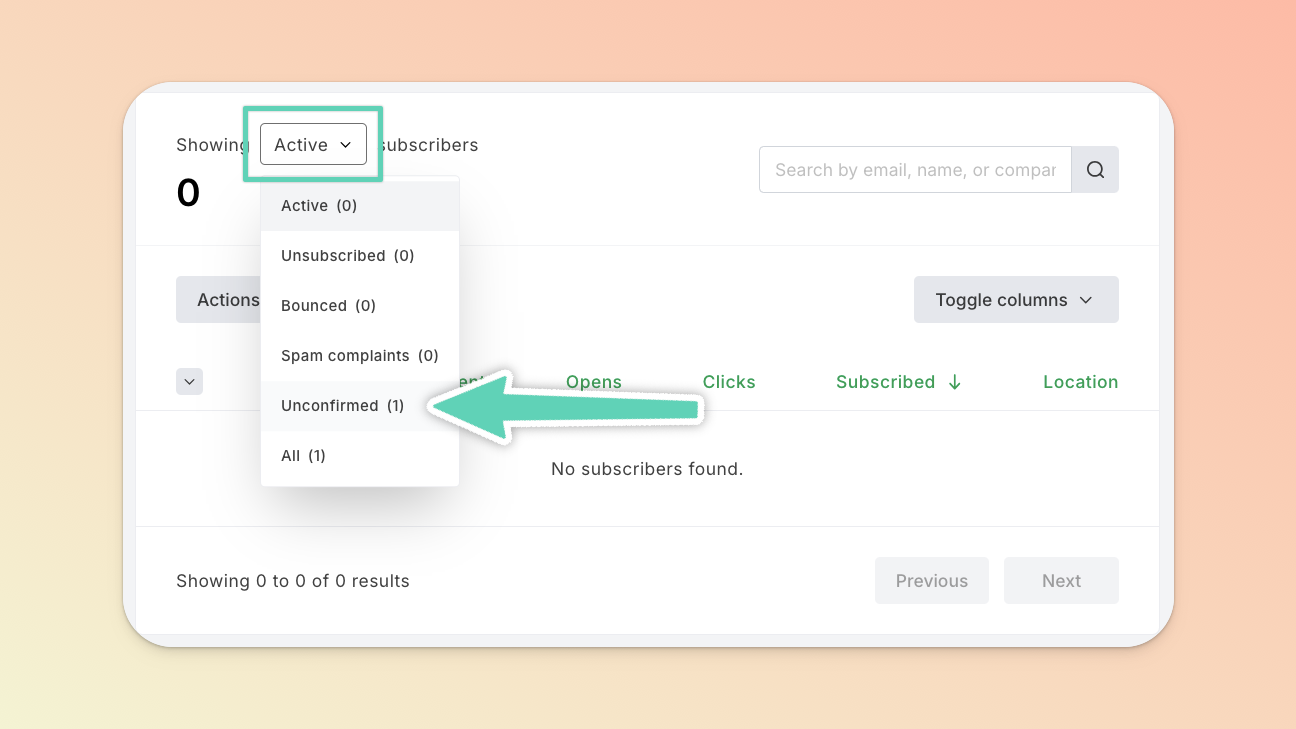
If you checked the double opt-in checkbox in Teachery but mistakenly HAVE NOT enabled double opt-in within MailerLite, any new subscribers will retain the status of Unconfirmed until you manually intervene (please read this important help doc). Be sure to then immediately enable double opt-in in MailerLite at this point.
If you don’t make use of double opt-in at all, the subscriber will simply be added to MailerLite with the Active status.
