Flodesk (aff link) is a beautiful and intuitive email provider and we are happy to support them as a built-in integration for your online course needs!

Flodesk has a slightly different integration process from our other email provider integrations, but the steps are straightforward and easy:
Click Account in the top navigation of Teachery
Click the Integrations link option
Scroll down to find the Flodesk area and click the Connect Now button
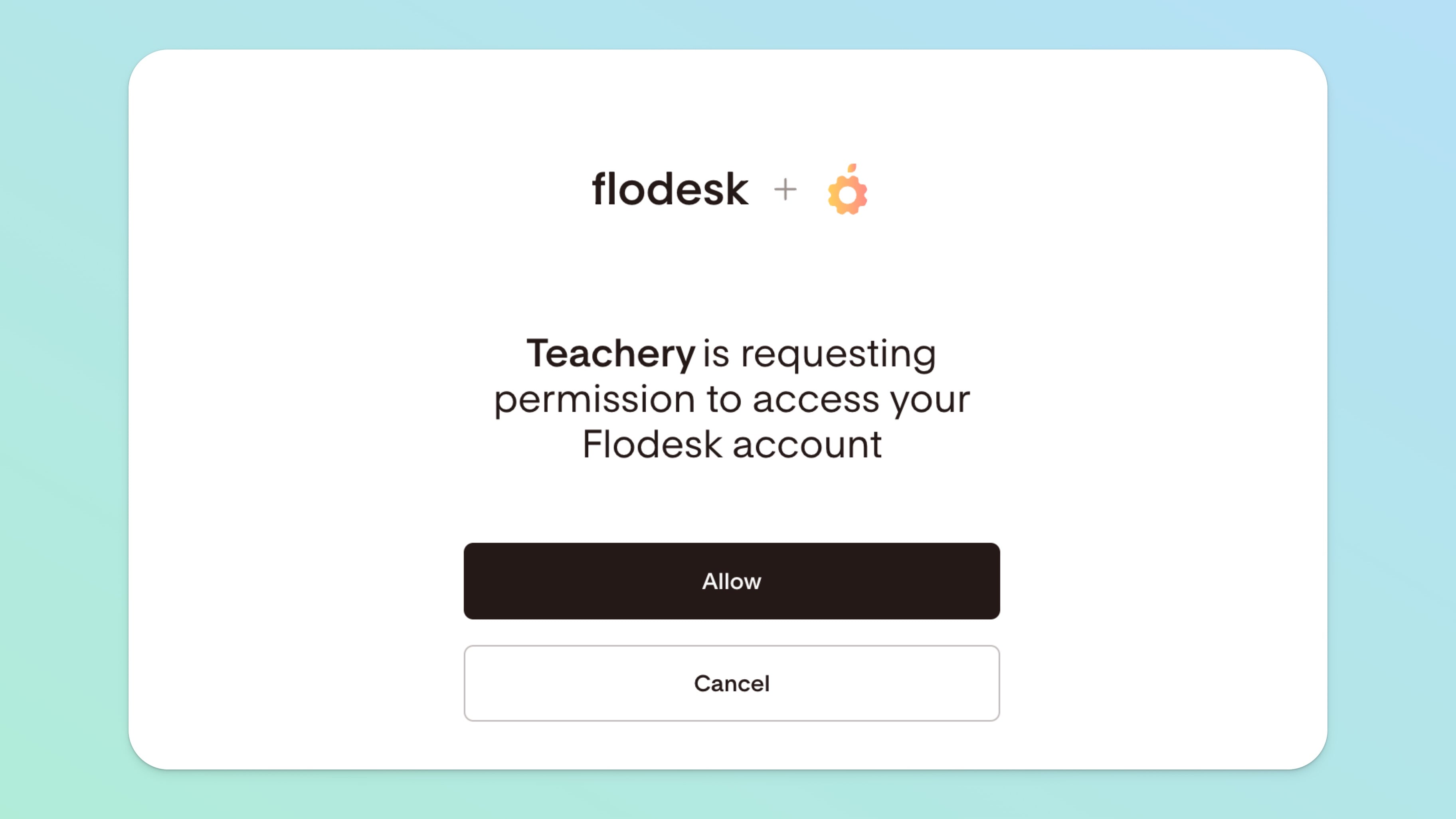
You’ll be promoted to login to your Flodesk account and Allow the connection
You're integrated! ✅
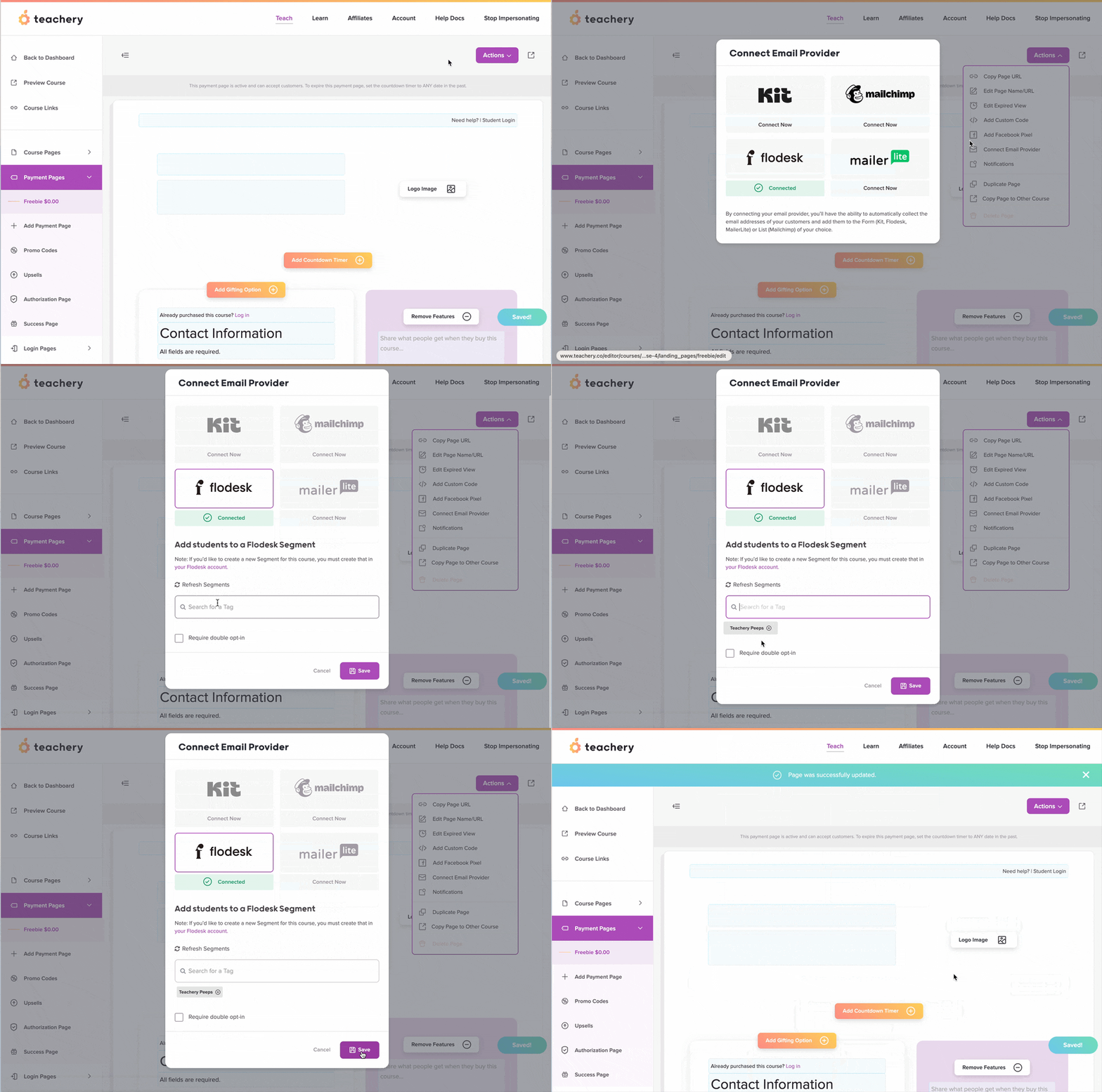
Every Payment or Landing Page lets you choose which Flodesk Segment you want to send data through to. All you have to do is:

Click the Actions button at the top of a Payment or Landing Page.
Click the Connect Email Provider action.
Click the Flodesk logo.
Type in and select one or more Flodesk Segment(s) (that already exists in your Flodesk account) to which you want to add customers.
(Optional) Check the Require double opt-in box if you want to be sure that customers want to hear from you and to ensure they receive Flodesk’s opt-in/confirmation email.
Ensure you’ve configured your account-level opt-in email and thank you page on the Flodesk side.
Note that you don’t need to create a Flodesk Form in order for the double opt-in to work, just enable the setting within the Teachery payment page.
Learn more about how Flodesk’s double opt-in works.
Save your changes!