We’ve tried to give you as much flexibility as possible to customize the look and feel of our two course templates (Sidebar and Minimal).
From the hover states of your lesson buttons, background colors, sub-lesson colors, and even the lines in the quick jump section of the Sidebar Template, you can customize it all to look and feel exactly like your brand should look.
The Overview page of your course is the FIRST page your customer will see. Let's make sure it looks great!
The lessons are where your teaching-magic happens, so don't skimp on making these pages look great (while also being extremely legible).
Yep, that's right, not only do we allow you to customize the content of your Login pages (content changes to these pages are done in the Login Pages section of the main course editor sidebar), but we also let your heart run wild with these admin pages in your course(s).

Our Payment pages are designed to maximize conversions out of the box but we also want to make sure you can dress them up to your liking!
Remember though, the more visual cues you add to a payment page, the less a customer might focus on making a purchase (so customize carefully!)
We have one Landing page template within our courses and you'd be amazed at how different you can make it look just by changing the colors in the style editor.
If you use our Course Expiration Date feature, you'll want to customize the Expiration bar to match the color scheme of your course.

We’ve created multiple Lesson Layouts, Color Palettes, Font Pairings, and Header Image Templates for you to use to take your course customization to the next level. You can find all of those things in the Teachery Style Files.
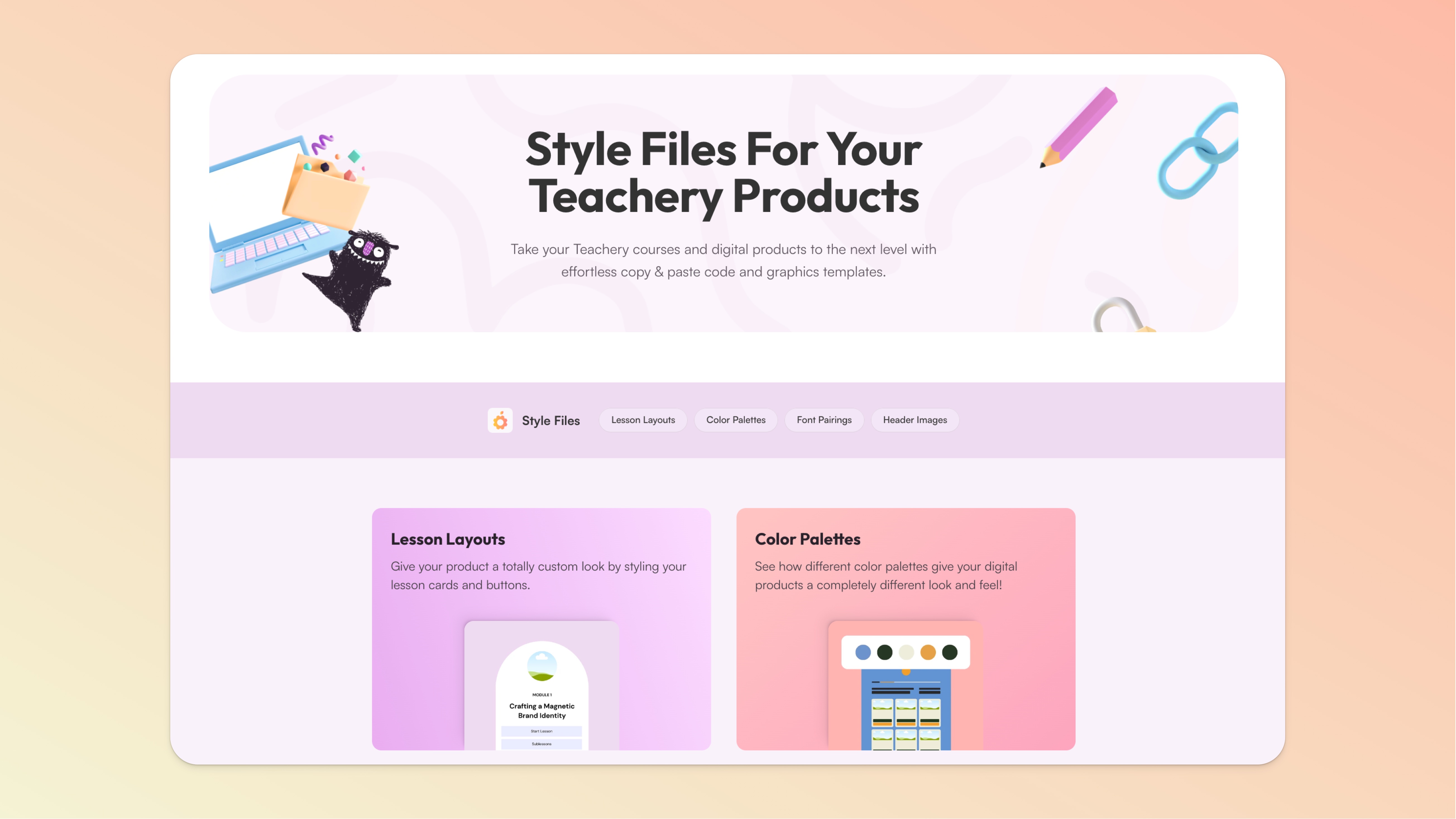
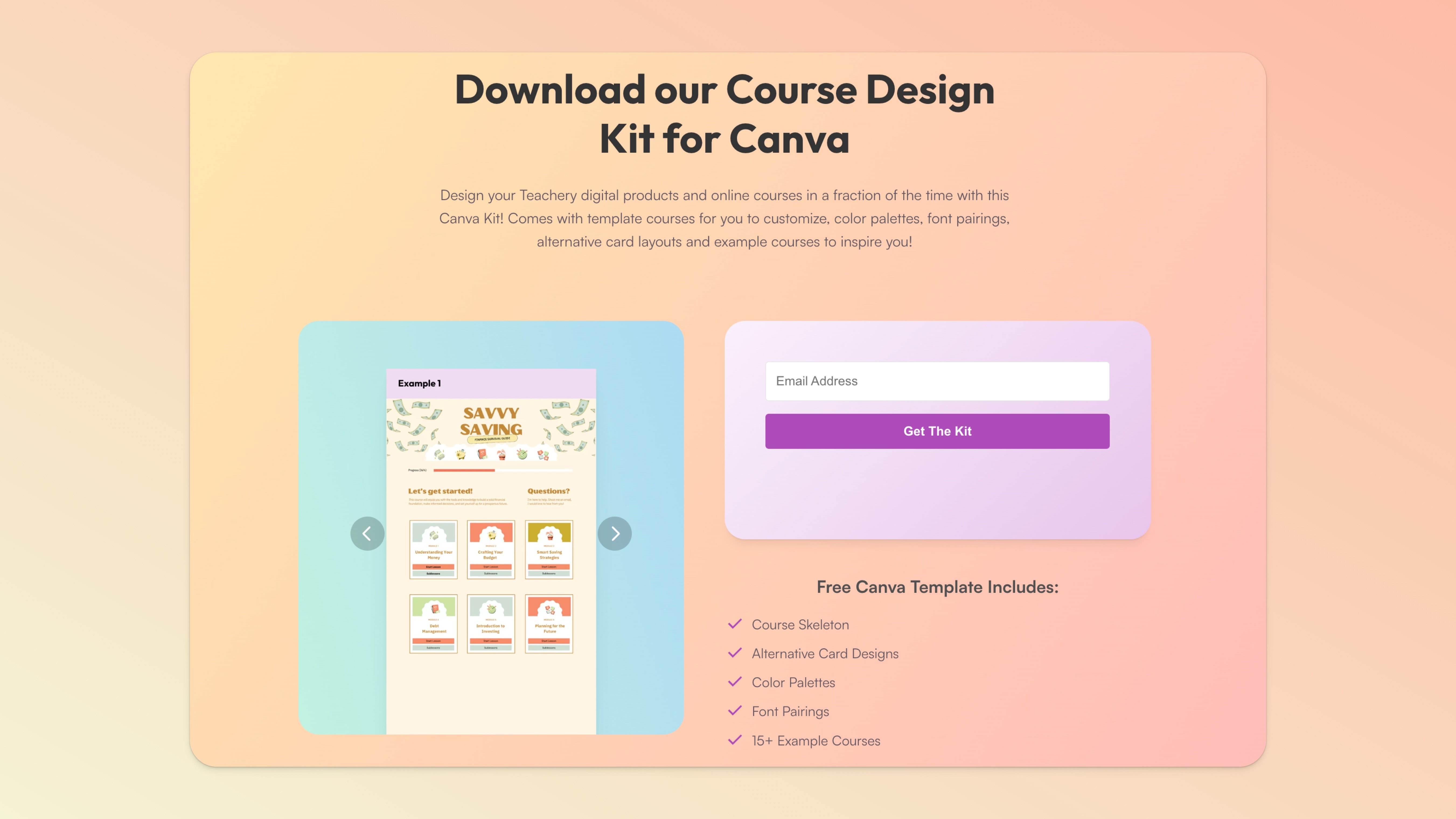
And if you scroll to the bottom of the Style Files page, you’ll find a Course Design Kit for Canva that you can use for free as well!
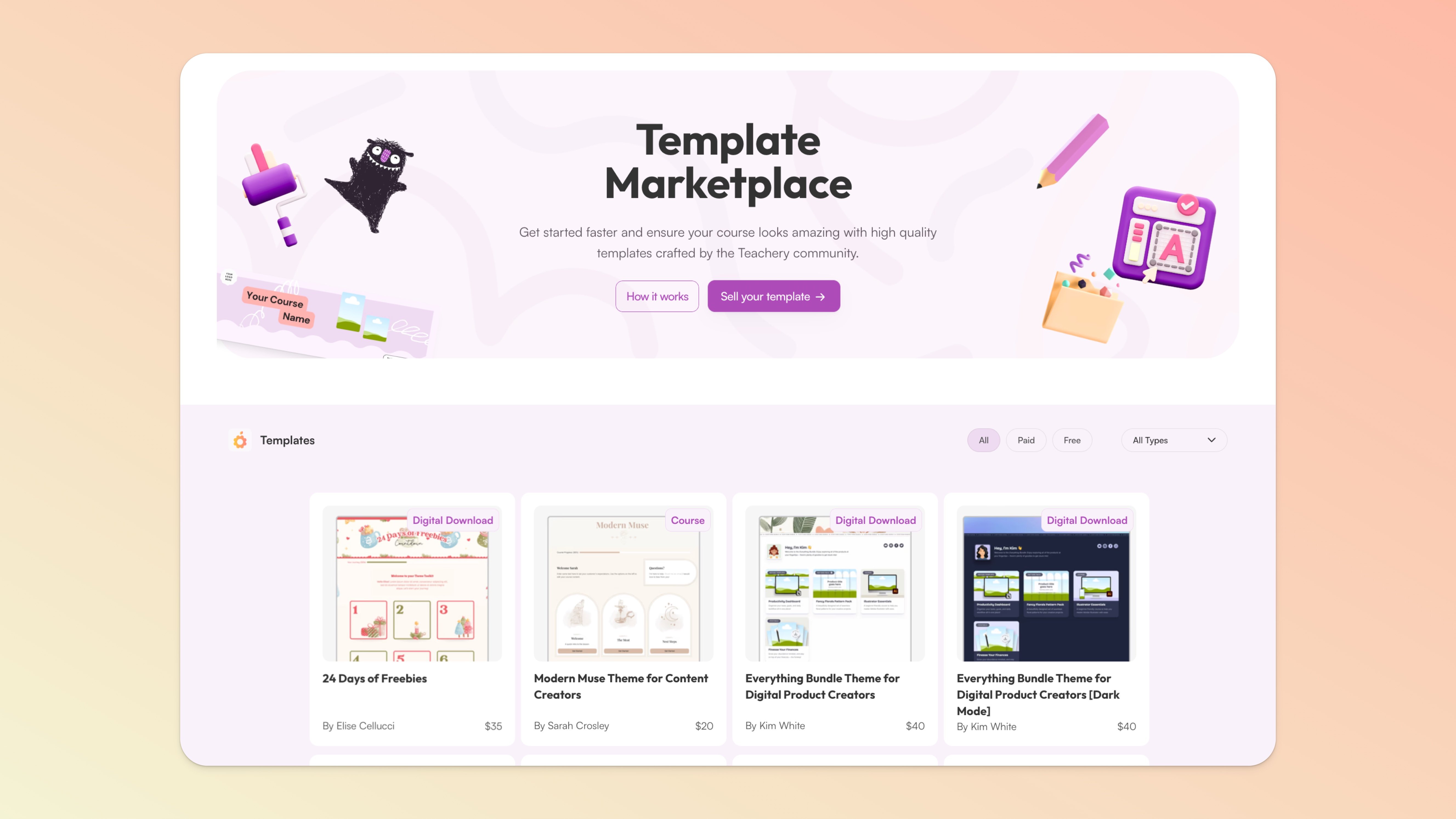
There’s also the Teachery Marketplace where you can grab existing paid and free ready-made templates to use in your next Course. 😱✨
If you don’t have an existing brand or style/color guide for your course, we highly recommend using Coolors.co to find color styles that look great!
If you don't have an existing logo for your course, we highly recommend Squarespace's Logo Creator. Super affordable and incredibly easy to use.
