When customers misplace the course welcome email or contact you frantically asking how to log back in or reset their password, we've got your back.
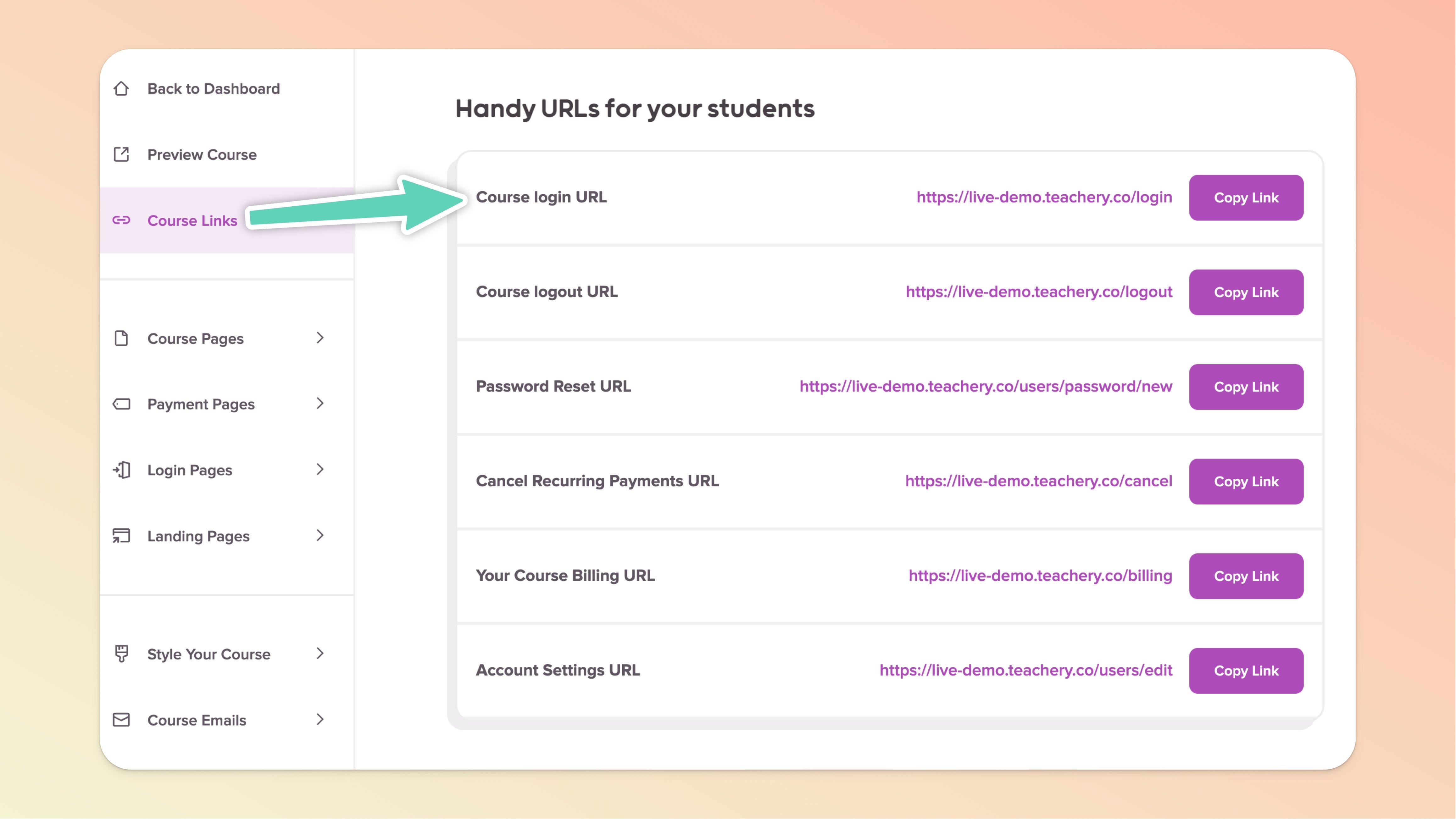
You’ll find many handy links in the relevant course’s Course Links page (available in the left sidebar menu of the course editor).

Click into the course you want the Login URL for
Click "Course Links" in the top left of the sidebar
Scroll down to Handy URLs for your students
Click the "Copy Link" button on the Course login URL
Give that URL to your student and they are good to go! 👍
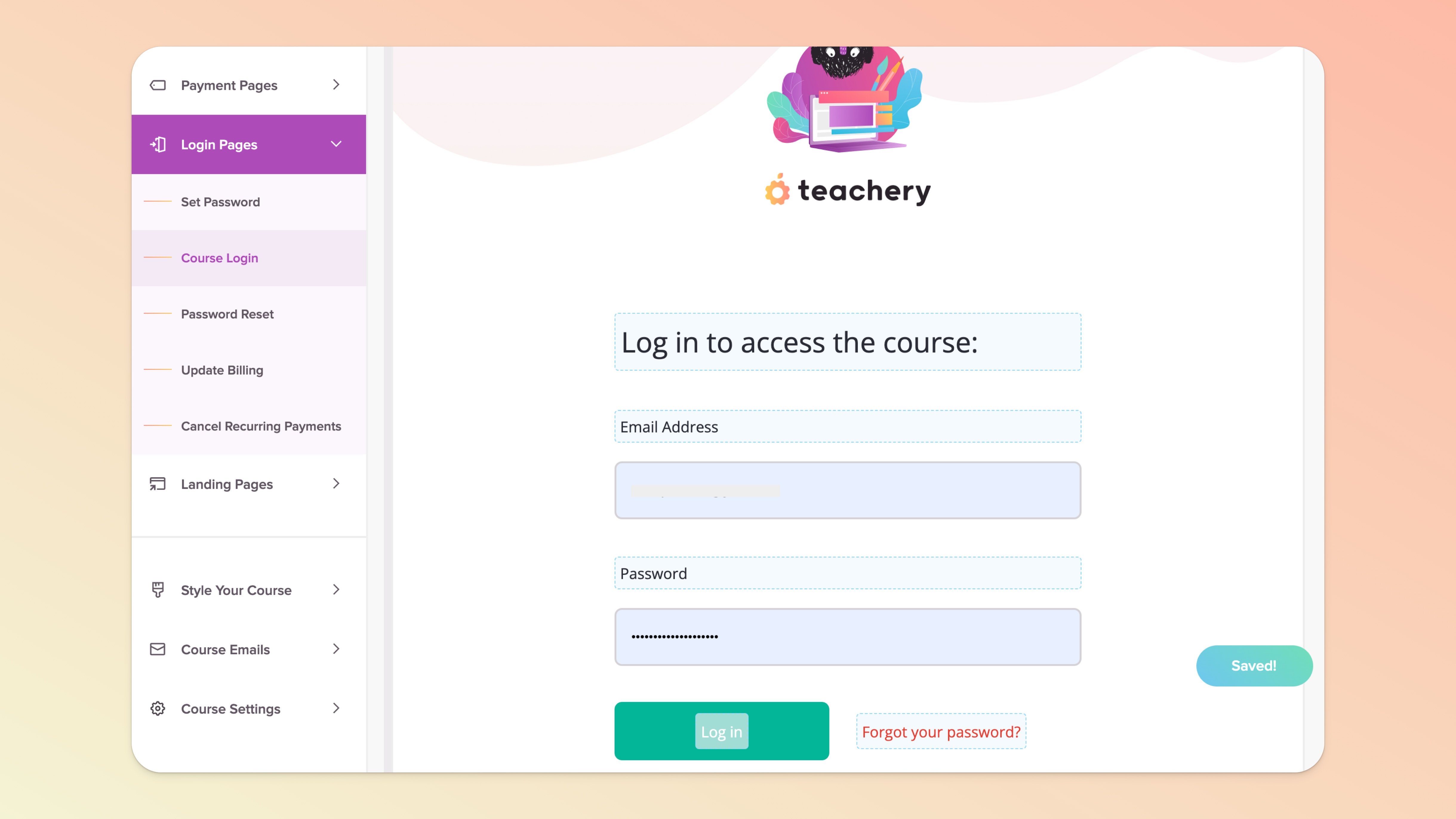
If you want to change the content on these admin pages, look for the "Login Pages" section of the course editor (in the left sidebar).
If you want to spruce up the look and feel of these admin pages, there's a section in the "Style Your Course" section of the Teachery editor that allows you to style these pages to your liking.
💬 If, at this point, you hit any hurdles/doubts and can’t find the answers elsewhere in our help center, please use the support chat bubble* in the bottom right of your screen. Make sure to include course/product info, customer info, helpful screenshots, or anything else that may be relevant to your query.
* Support hours are 09:00 to 17:00 GMT.