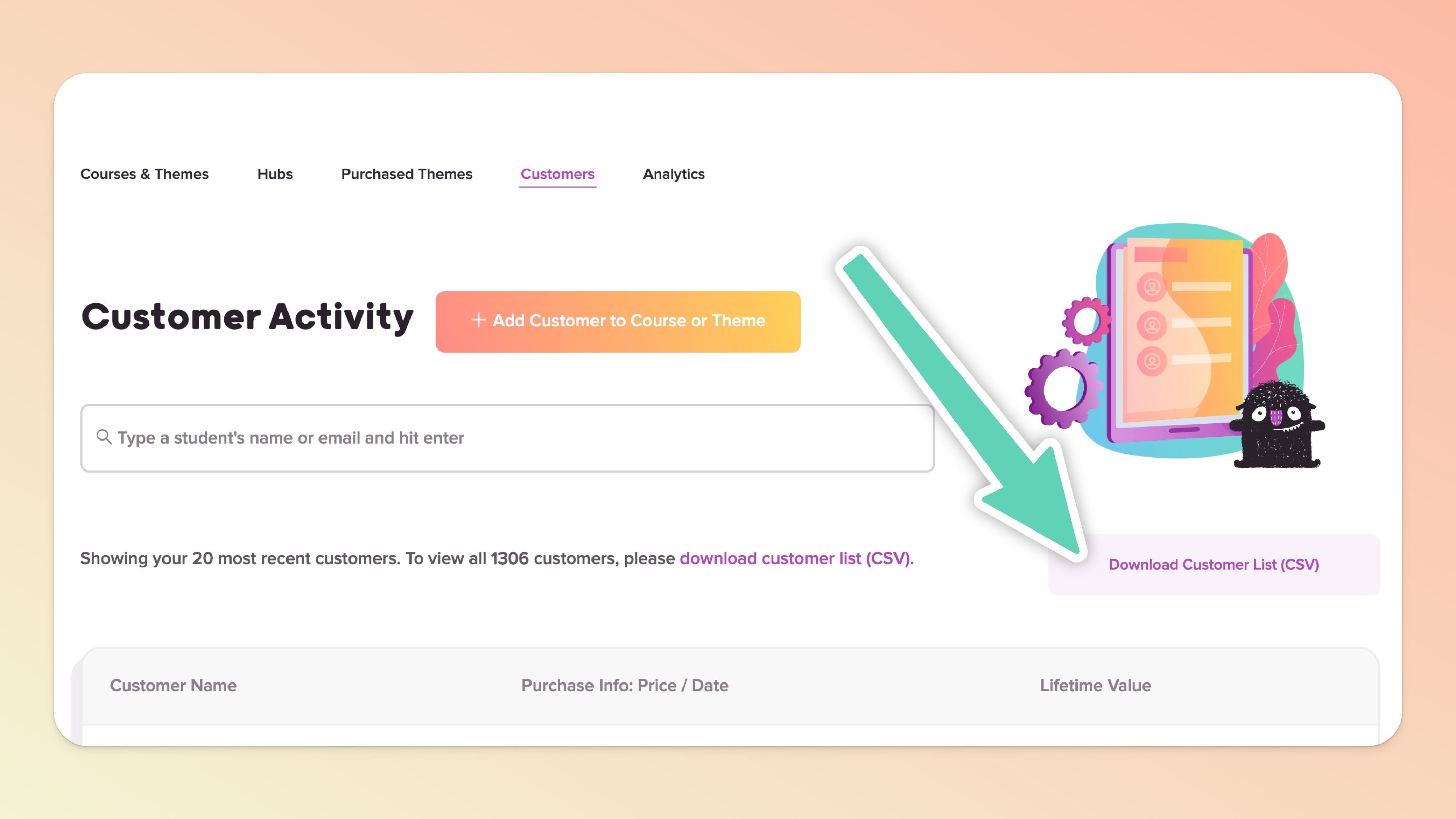
You can manually export your customer's data via a simple CSV file at any time. This can be done at the individual Course level OR you can download ALL Customer data at one time.

Click "Customers" in the Teach page
Click the Download Customer List (CSV) button
The CSV will be emailed to you within 1-5 minutes (if you have not received it, please check spam/junk email folders and contact our support 💬 if you still can’t find it)
Open the CSV file in Numbers, Excel or Google Sheets!

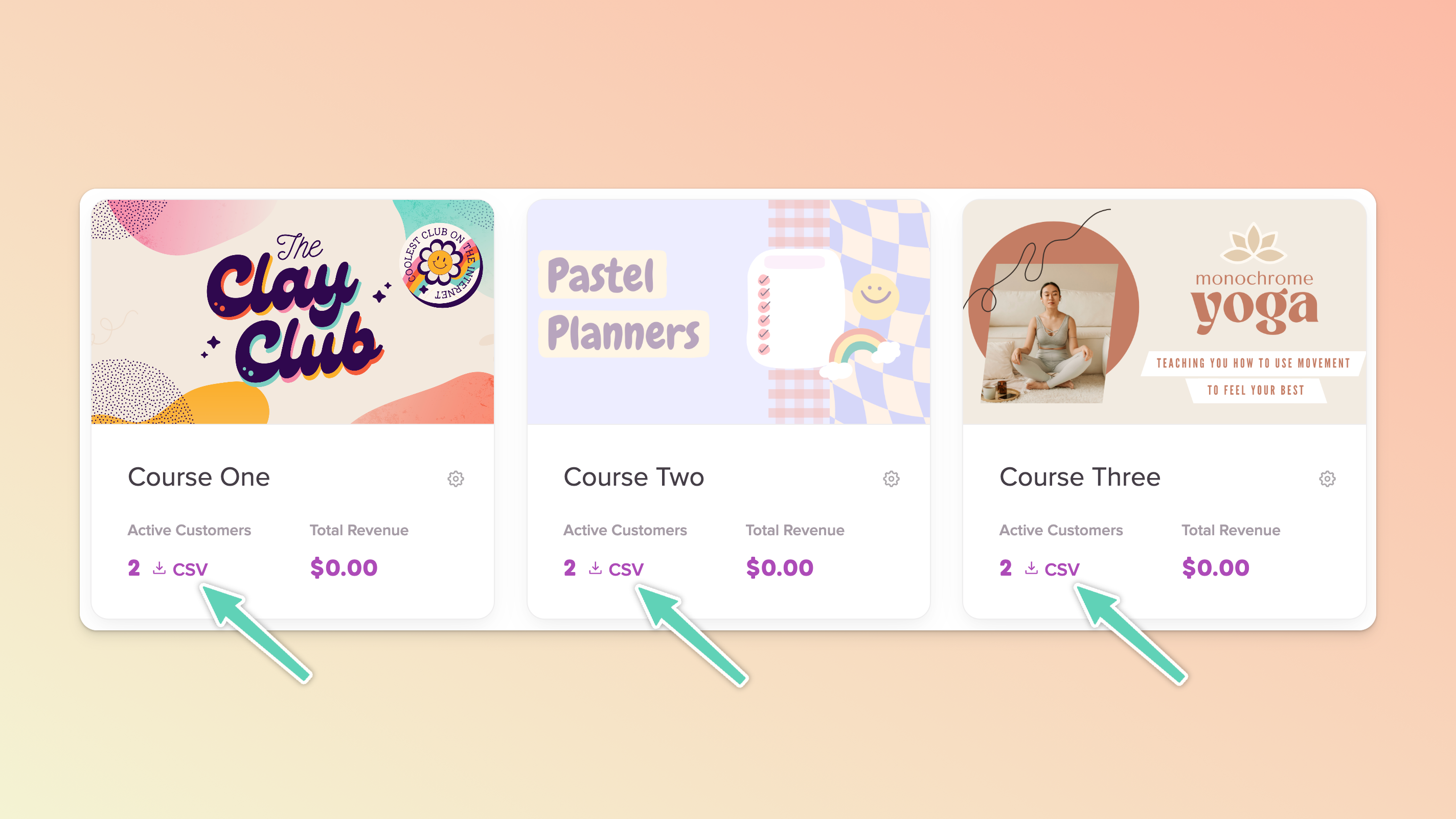
Find the course in the main Teach page
In its respective course card, click the CSV text (that appears below the Active Customers label) to download data just for that course
The CSV will be emailed to you within 1-5 minutes
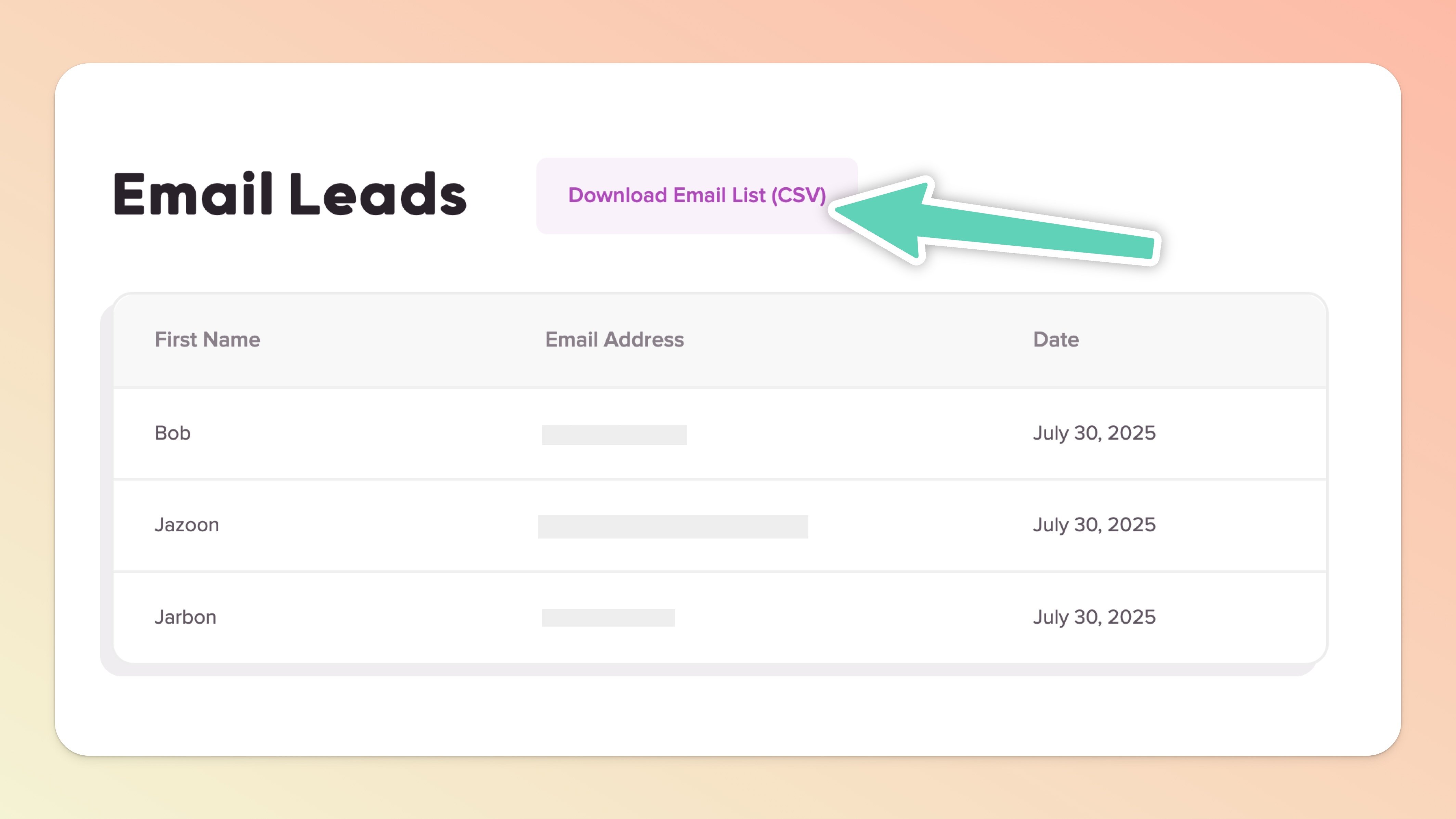
If you're using a Landing Page to capture emails, and not using Mailchimp or ConvertKit, Teachery will store the emails you capture in a CSV file for you. This can easily be found and exported by...
Clicking into the course where you have an email capture landing page
Under the Landing Page section in the sidebar, click "Email Leads"
Click the Download Email List (CSV) button 👍