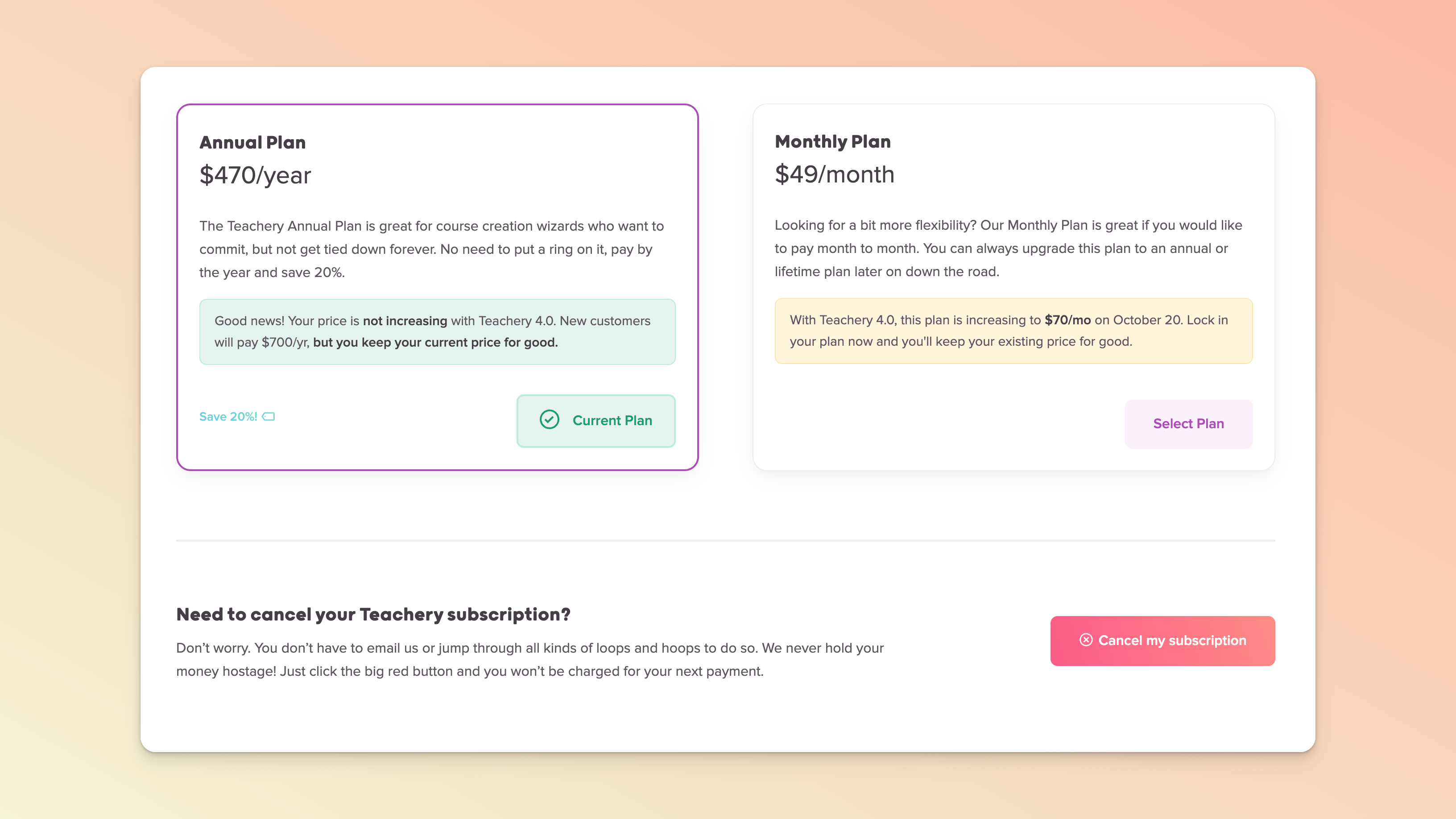
If you’re considering switching your Teachery plan to another one, or would like to cancel your plan altogether, please take note of the below.
To see all available plans, please visit our Pricing page. And learn even more about our Lifetime Deal here.

To consider the plans available to you or to switch, ensure you’re logged into the correct Teachery account and navigate to the Plan tab of your Account page.
If you’re on a trial, it’s on that page that you can sign up for one of our plans or if you already have a plan, it’s where you can simply select an alternative plan and our system will detect the change once you’ve paid.
(Heads up: the prices below are just examples from October 14th, 2026. They’re just for illustration and can change.)
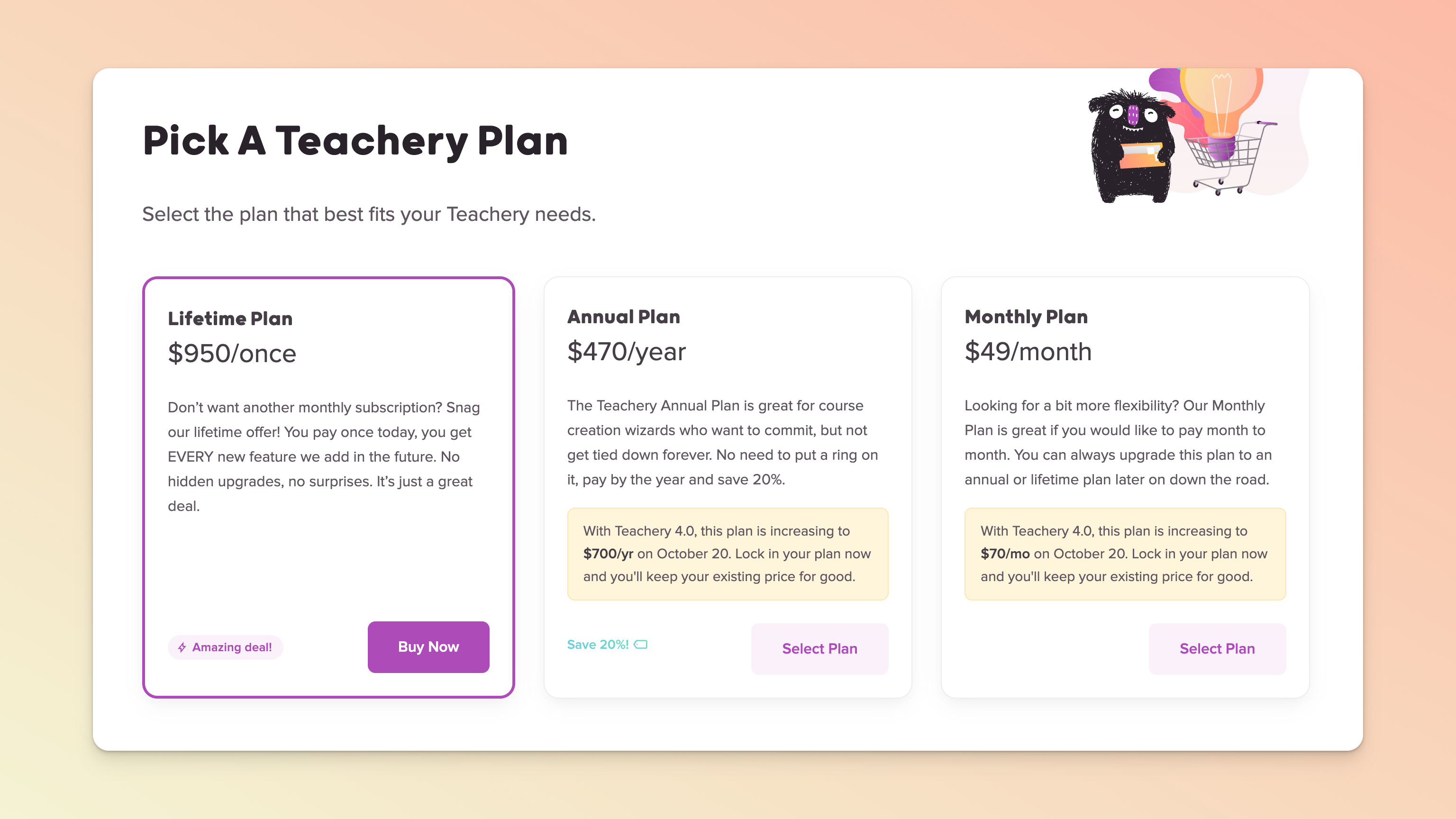
To cancel an annual or monthly plan, ensure you’re logged into the correct Teachery account and navigate to the Plan tab of your Account page. Scroll to the very bottom and you will find a cancel button. Simply click it and you’re done. You will lose access at the end of the billing period (i.e. access is tied to your last successful plan instalment).
Have a Lifetime Deal and want to close your account? Please contact us via the support chat bubble in the bottom right of your screen. Support hours are 09:00 to 17:00 GMT.
(Heads up: the prices below are just examples from October 14th, 2026. They’re just for illustration and can change.)