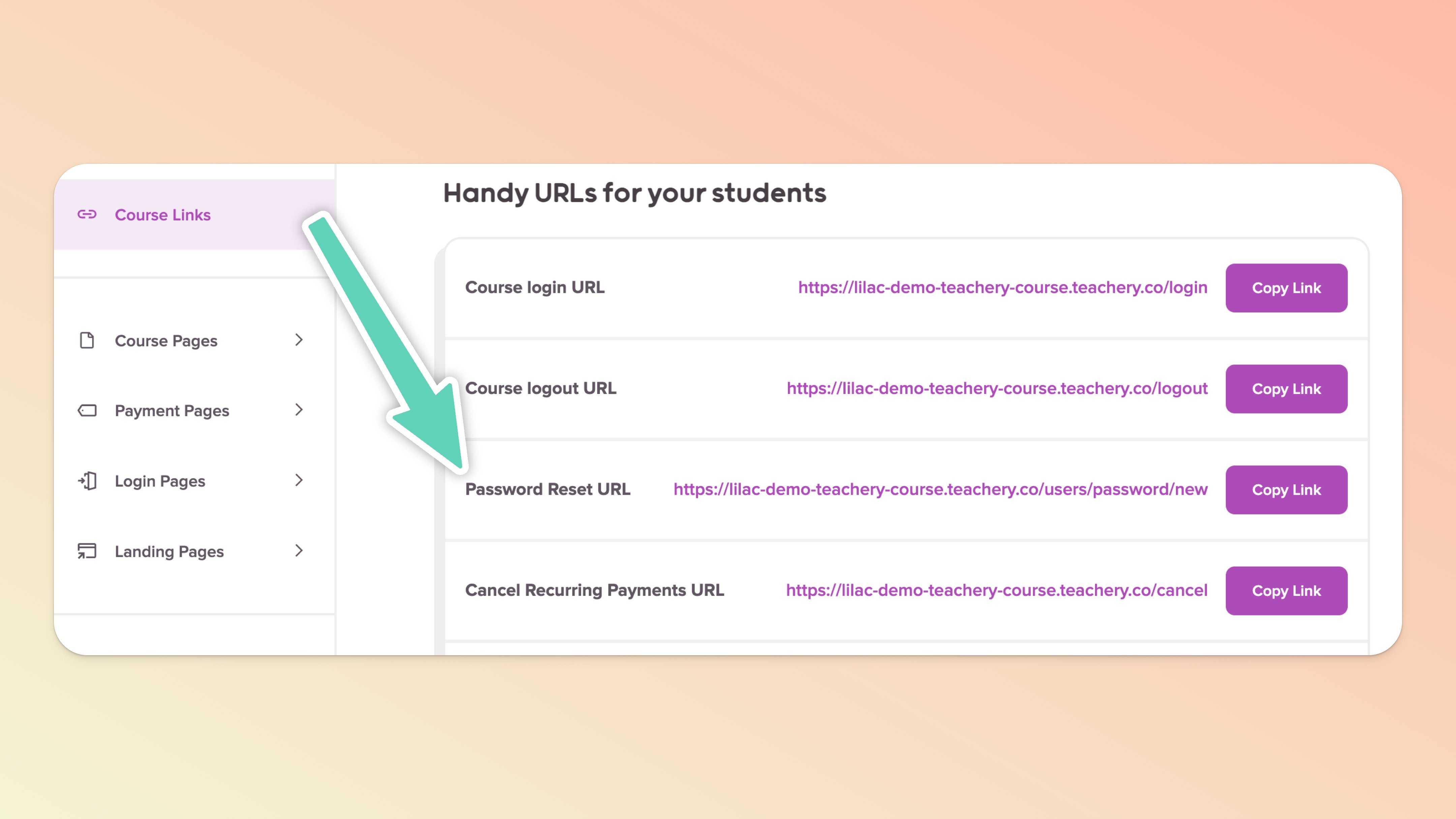
When you click into edit your course, you'll find a "Course Links" section in the top left area of the sidebar. Inside that page are handy URLs you can send to your customer.

In the aforementioned Course Links page, there is a Password Reset URL you can give your customers if they forget their password.

Click "Customers" from the Teach page
Search your customer's email address
Click their customer record to open their Customer Profile
Click "Edit Customer" button
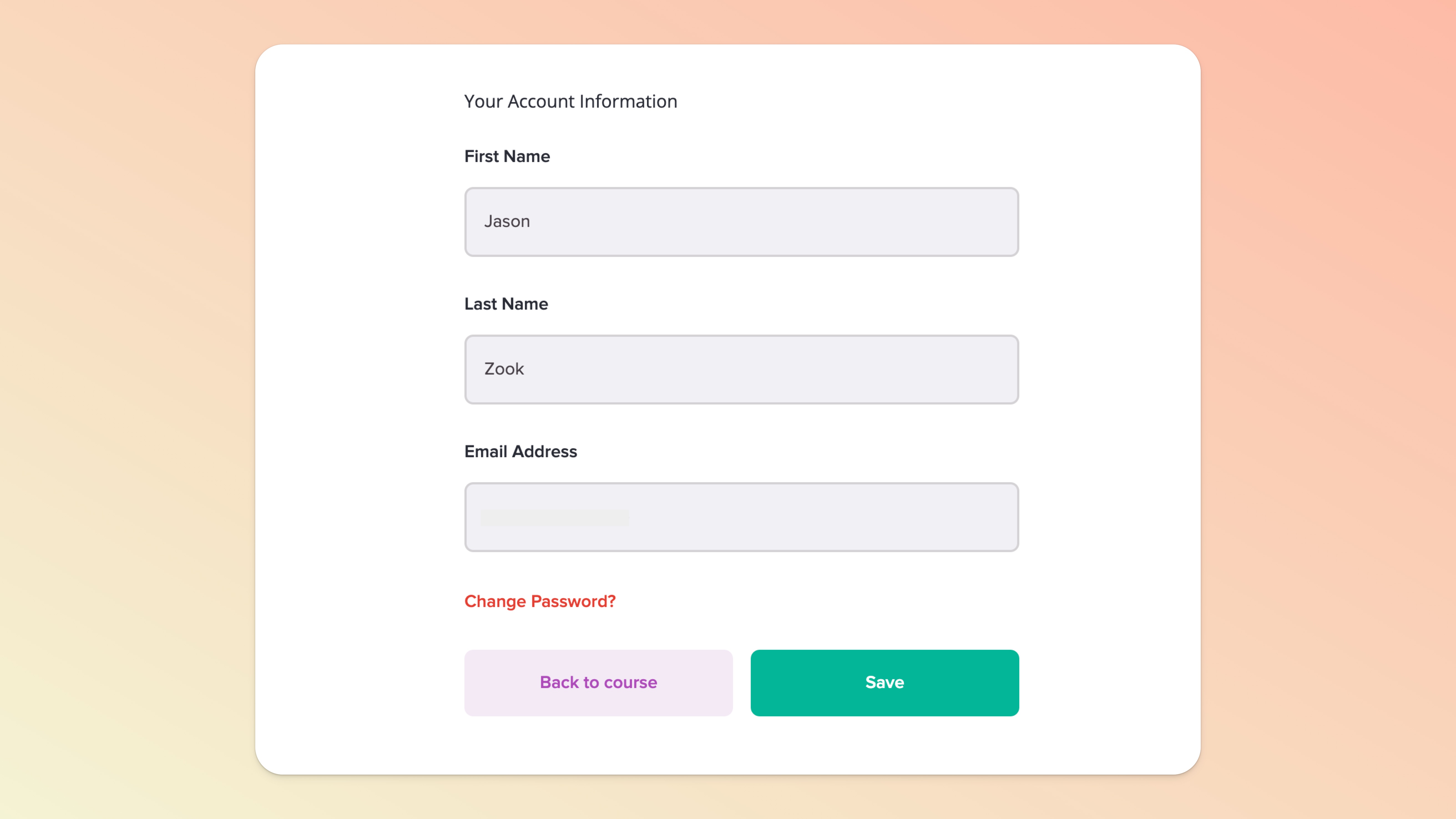
Click "Change Password" link text
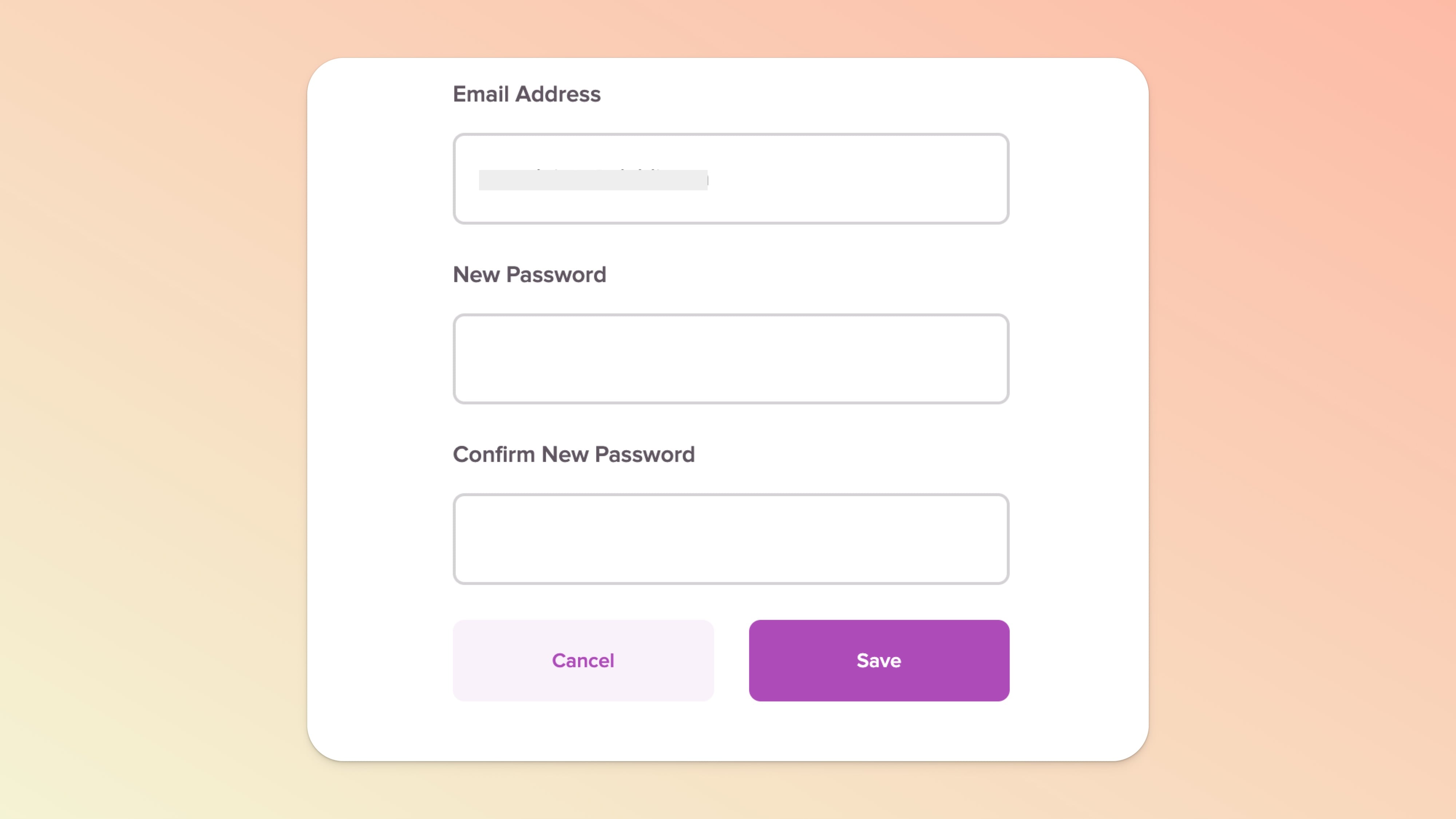
Create a temporary password and hit the "Save" button
Send your customer the Login URL with their temporary password you created and they can log in and access the course.
👉 After you've set a temporary password, we also recommend giving your customer the Account Settings URL (also in the Course Links page). Once they've successfully logged in with the temporary password, they can use the Account Settings page to change their password.