
When you are logged into Teachery, you will always see our support chat 💬 bubble in the bottom right of your screen. Your customer does NOT see this support chat.
If you want to offer your own support chat and have a chat bubble widget across all pages of your course(s), the steps are very simple!
How to add your own support chat widget
Click into edit the course where you want to add a support chat
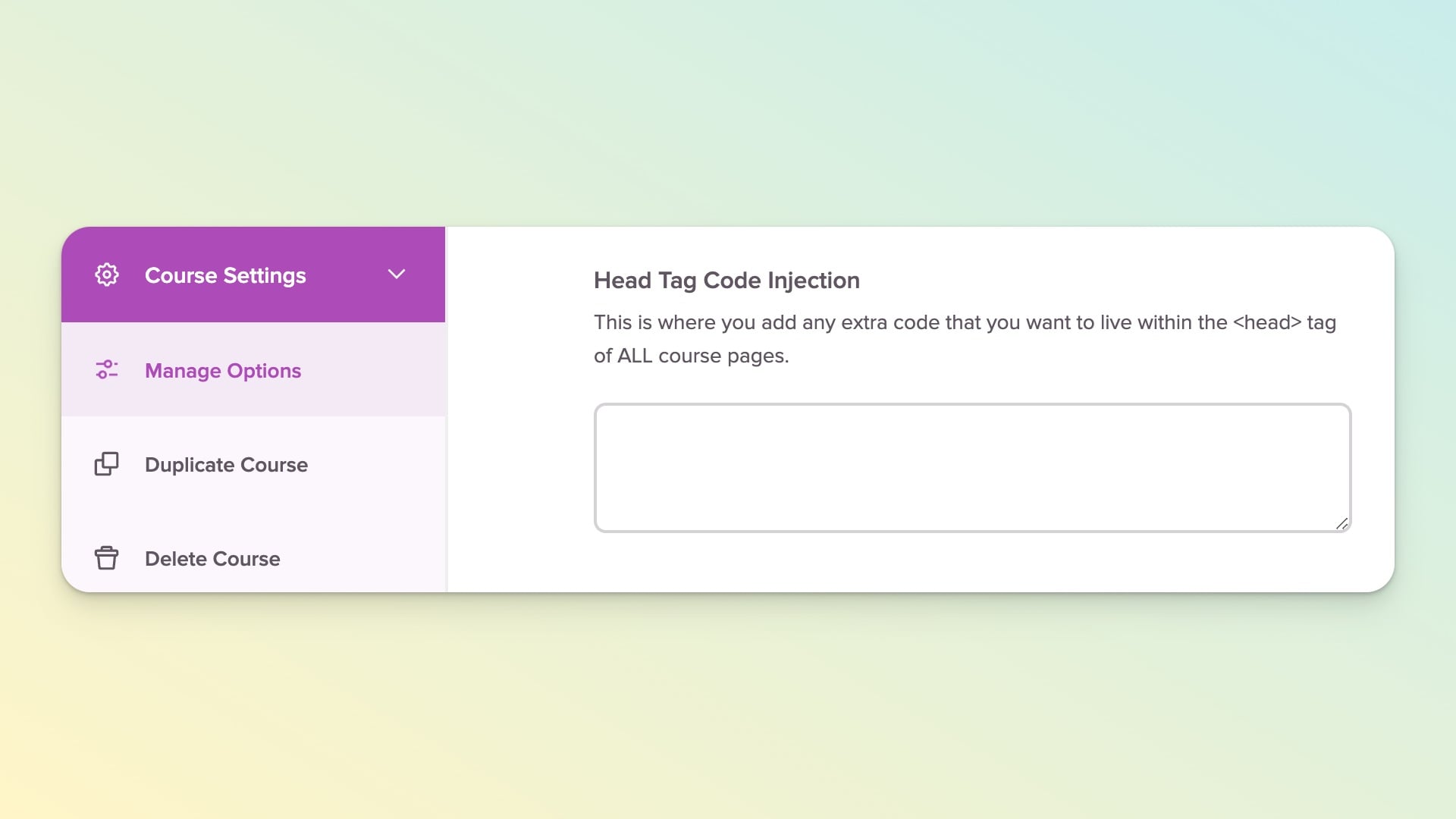
In the left sidebar scroll down to "Course Settings"
Then click into Manage Options
Scroll to Head Tag Code Injection and add paste in the chat script
Click the Save Options button and you're done ✅
Once you've added your own support chat, the widget will display on ALL pages within your course (Overview, Lessons, Payment, Landing, Login, etc).
What chat services can you add to Teachery?
Any of them! As long as they have a snippet of javascript (which all of them do 😉), we allow you to add any provider.
If you want our recommendations: Elfsight, Crisp, Help Scout, and Drift are all reputable options.