To get in-depth analytics about how your students are using your course, we highly recommend adding Google Analytics.
📊 How to add Google Analytics to your course
Get the Google Analytics ID from your Google Analytics admin
Click whichever course you want to edit in Teachery
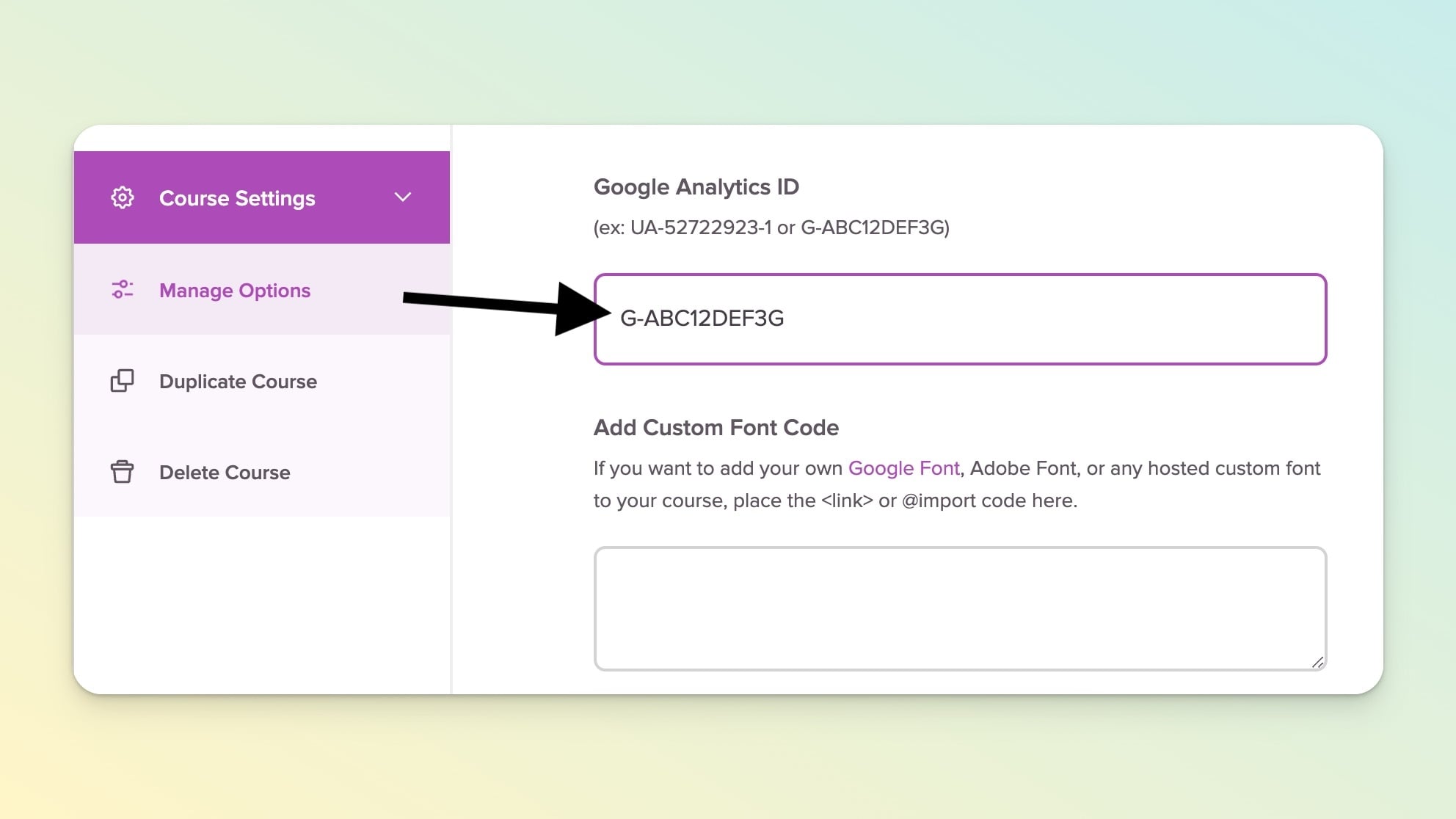
Scroll down and click "Course Settings" in the left sidebar
Then click Manage Options
Find the Google Analytics ID field and paste your Google Analytics ID number
(ex: UA-52722923 or G-ABC12DEF3G)
Click the Save Options button and you're all done ✅
Once you've added Google Analytics to your Course Options it will pull in data for all lessons, landing pages, and payment pages associated with your course - huzzah!
If you have multiple courses, you'll need to add your Google Analytics ID to EACH course by following the steps above.